My Stoopid Stuff
  • Home
  • Projects
  • Blog
  • Lec'tronics
  • Links
  • CNC
  • Quick Recipes
  • 3D Printer Tips
  • Voron 2.4

Circling Back on an Old Project to Get the Smaller Latching Lid Gridfinity Bins Uploaded

4/23/2025

0 Comments

 
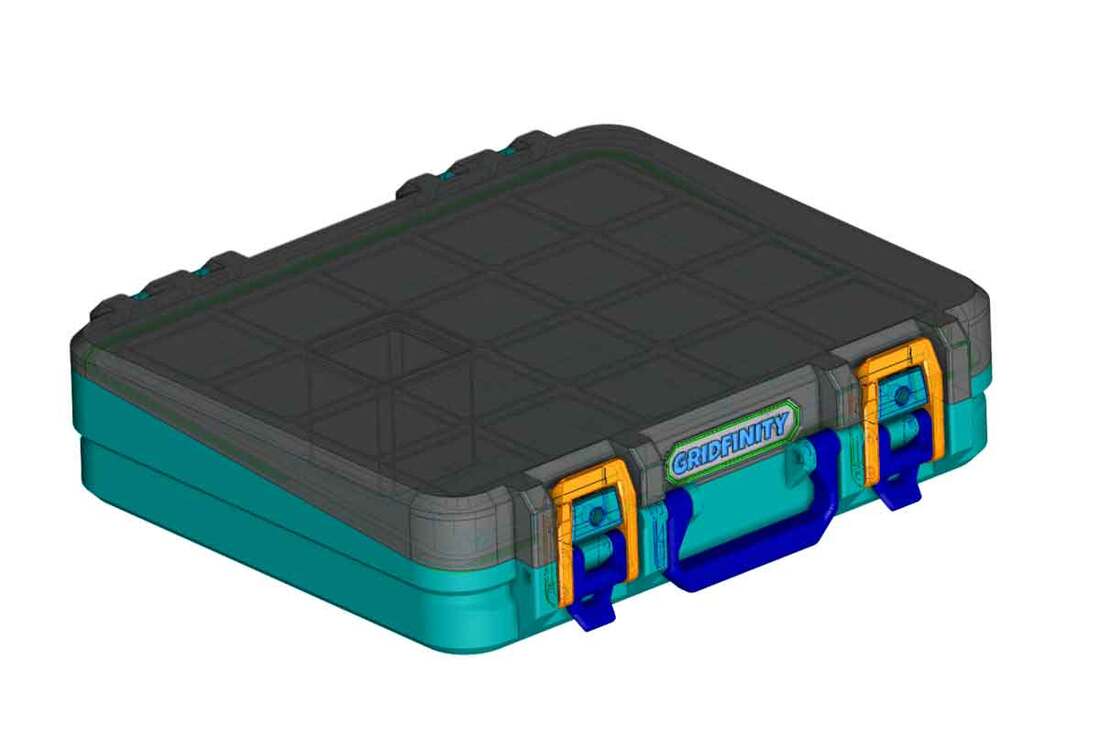
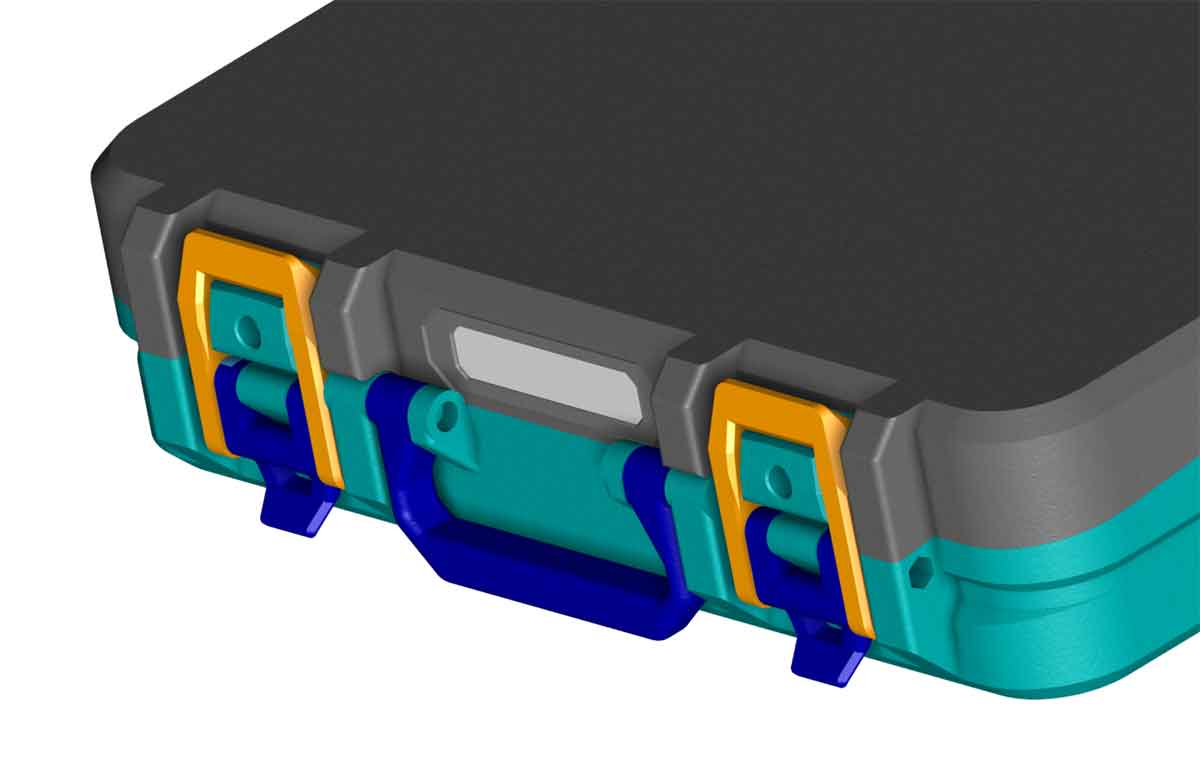
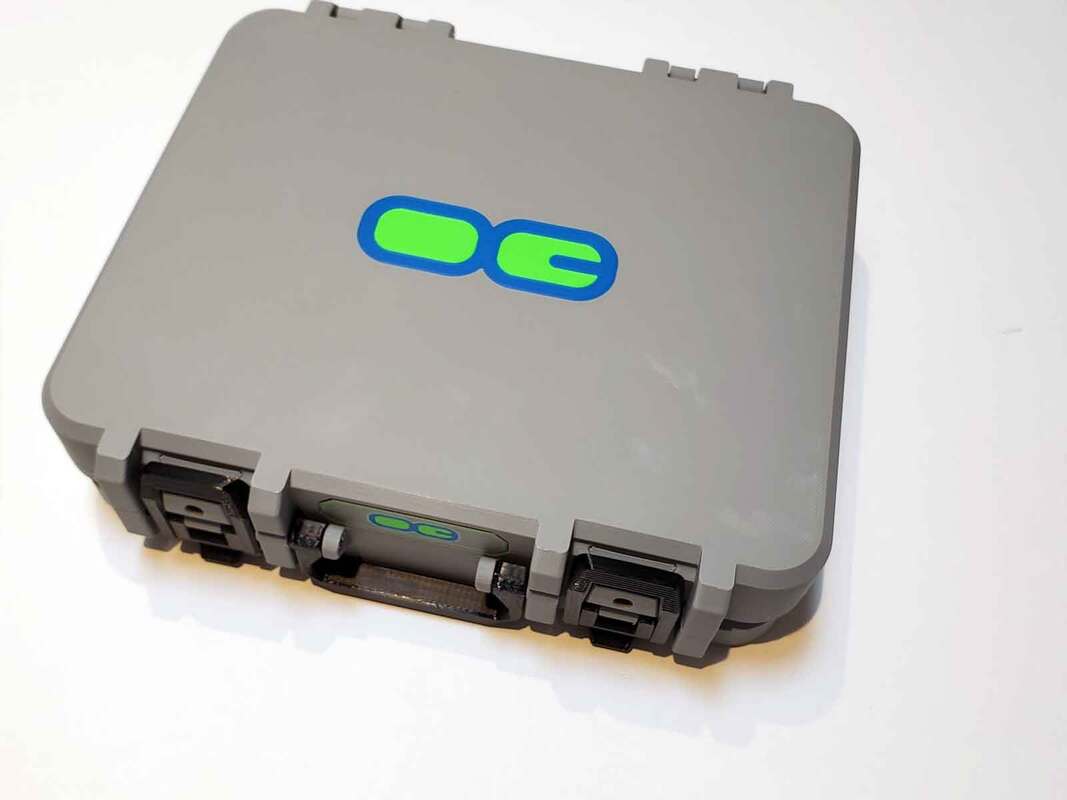
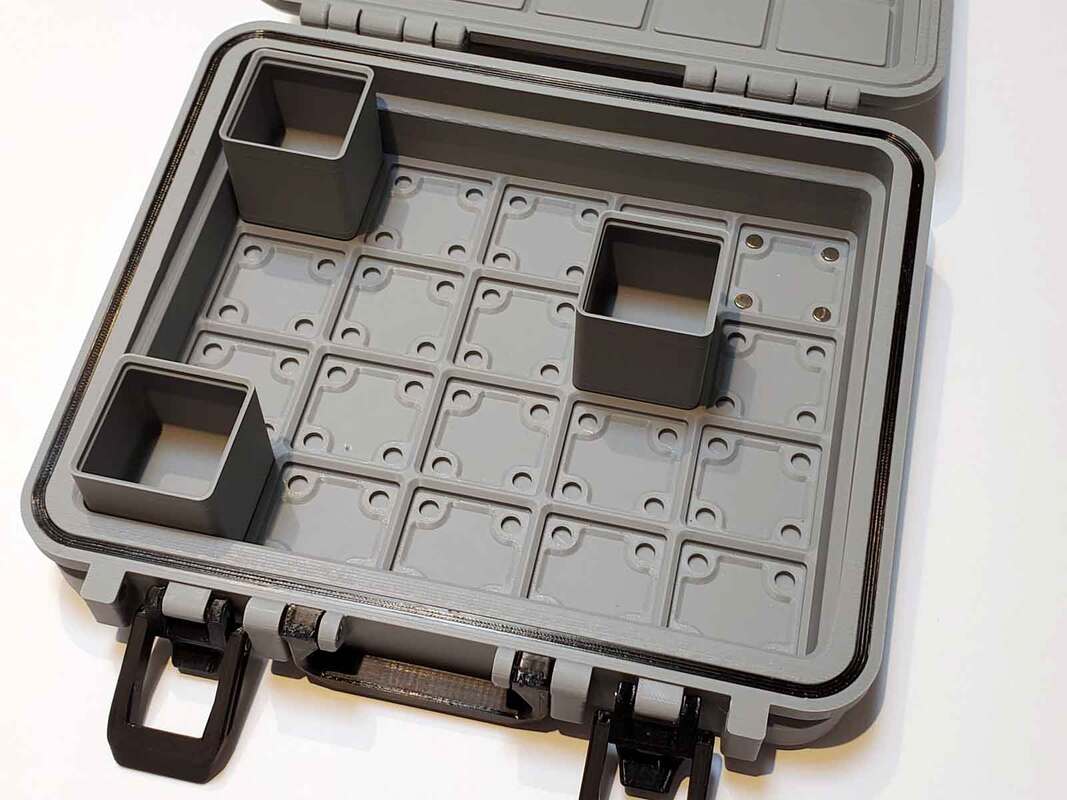
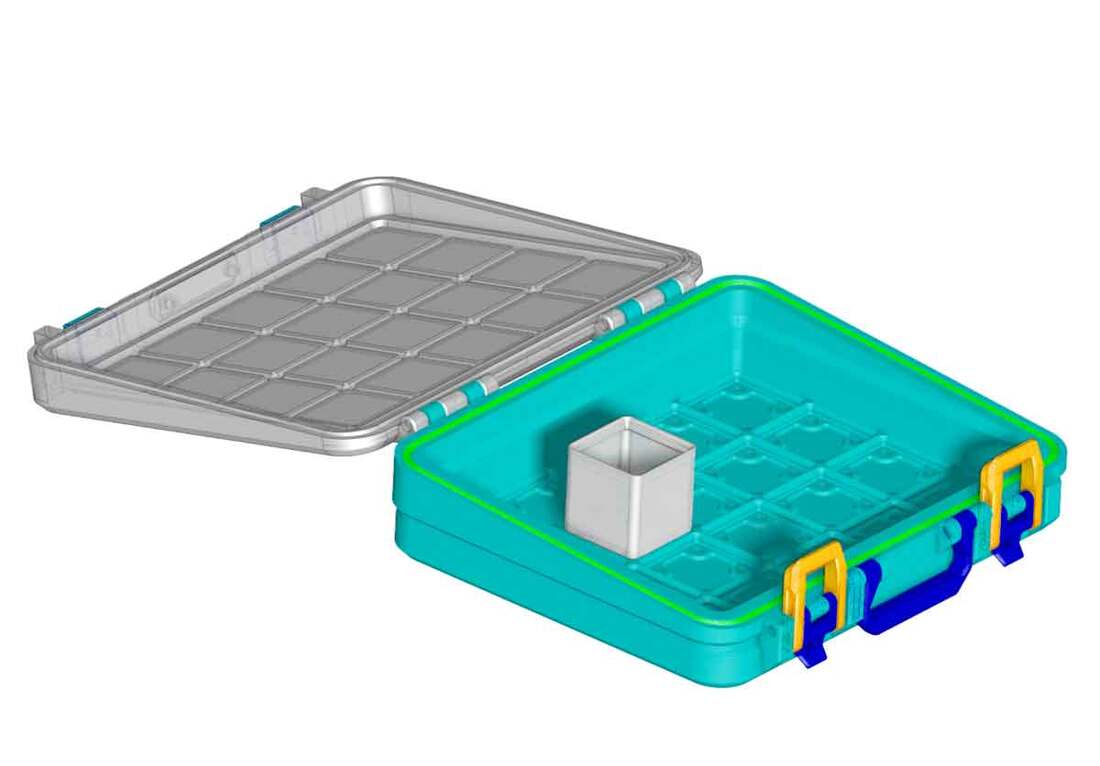
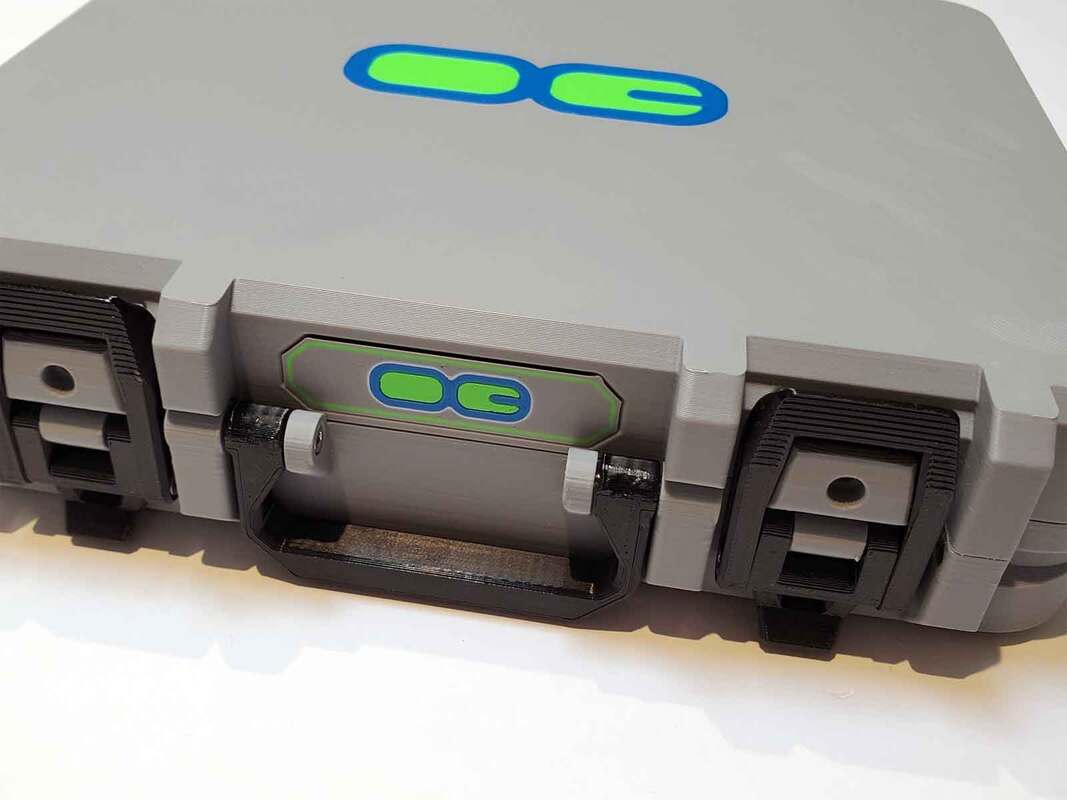
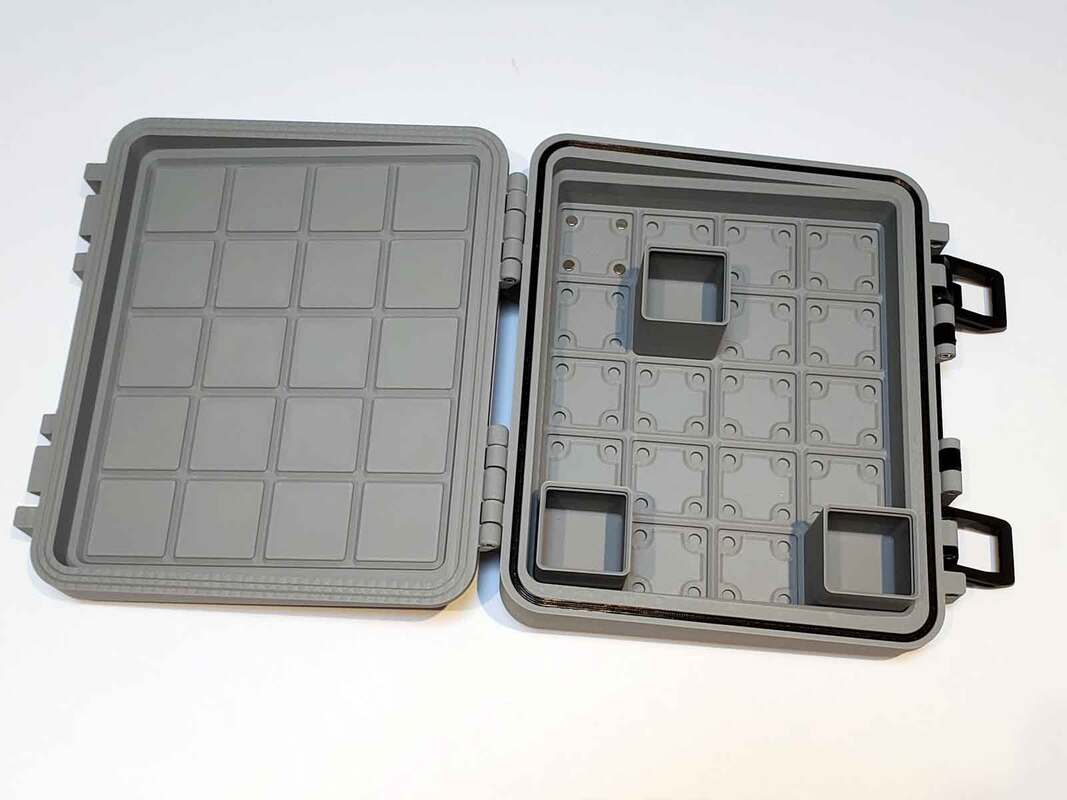
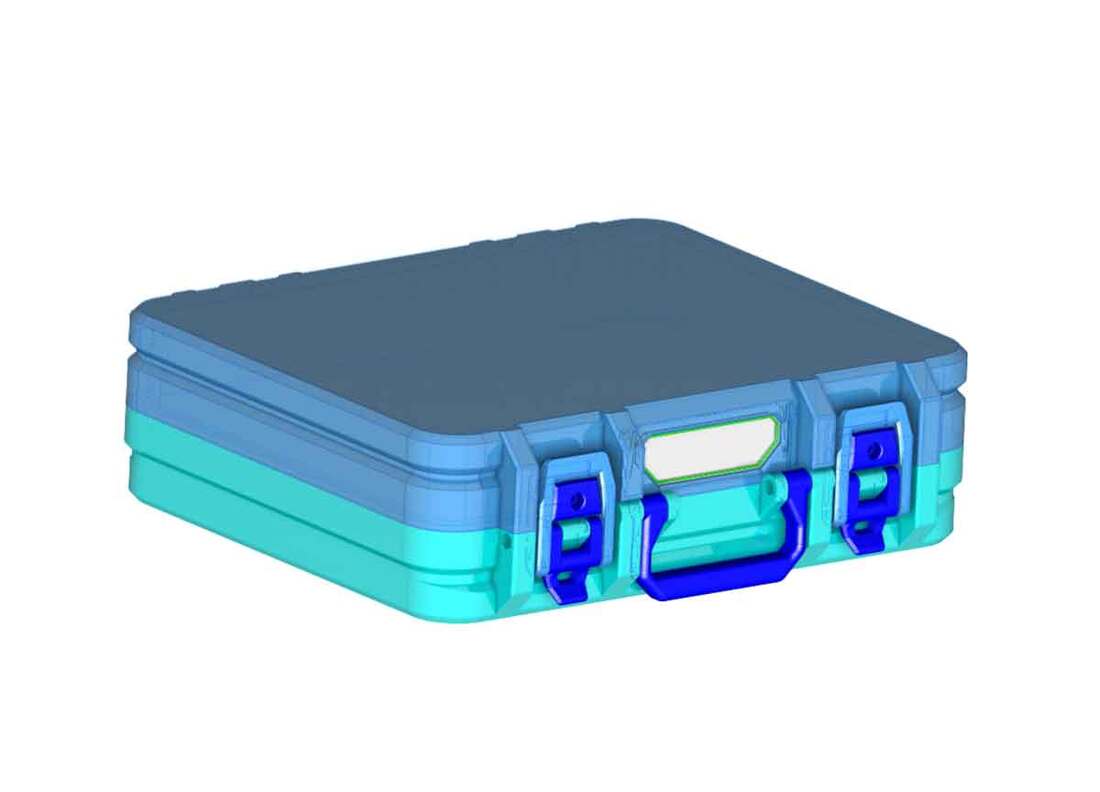
It has been some time since I stopped working on the small lidded bins.  Even though the models were mostly done, I still had to spend several hours fixing and updating the models (which somehow got rotated individually by 0.062°).  Then I had to spend another couple hours setting up the profiles and repairing quite a few of the STL's.  That is all done now (with the exception of the 3x3 bins, which will be uploaded later).  This has been a 'uge project, with over 100 models, so I'm trying to get it done (finally).  I just need to print a couple more bins to grab some pics, but I currently have uploaded the 1x1 and 2x2 models and profiles over on MakerWorld:

Gridfinity 1x1 Bins with Latching Lids v1.0
Gridfinity 2x2 Bins with Latching Lids v1.0
Gridfinity 2x3 Bins with Latching Lids v1.0
Gridfinity 1x2 Bins with Latching Lids v1.0
Gridfinity 1x3 Bins with Latching Lids v1.0
Gridfinity 1x4 Bins with Latching Lids v1.0

Still to come are:
Gridfinity 3x3 Bins with Latching Lids v1.0 (these will take longer)
0 Comments

Added a Couple Remixes for DIN Clips

4/16/2025

0 Comments

 
These were a couple quick remixes, which were made to help Voron builders.  They were a collaboration with Steiner-SE over at Printables.  The first is a bunch of DIN clips, which have 50mm and 55mm spacing (and now a 66.5mm version as well).  These clips have other optimizations which were suggested:

https://www.printables.com/model/1267457-stiffer-dinmount-50mm-and-55mm-din-clips-remix
The other remix was just to adjust the hole spacing on an existing Pi mount, to fit the above clips.  The hole spacing was originally 46mm center to center for the DIN clips, and the remix just moves them to 50mm center to center spacing.

https://www.printables.com/model/1267440-rpi-din-clips-mount-40mm-cooling-fan-remix-with-50
0 Comments

Updated the Voron Cable Management Duct Remix to V3.0

4/10/2025

0 Comments

 
This is a quick update to an old design.  The Remix of RyanDam's Cable Management Duct for VoronPrinters is now updated to version 3.0 (rev 1H).  The update adds some new zip tie mounts and improves the strength of the tines a bit further by adding some extra material to them.  The changes are small, but due to the number of ducts, it was a bit of work - but I think the changes are worth it.  I also updated the related models with the same changes.

Thanks to Steiner-SE over at Printables for suggesting the update.
Update 4/18/2025:  Some snap in endcaps were added to the main design (now v3.1).  ​Thanks to Steiner-SE over at Printables for suggesting the update.
Update 4/26/2025:  There are also now some additional lids for the 2x 221-415 WAGO box, which works with the duct system.  
Picture
0 Comments

H2D Spares Case (Completed)

4/7/2025

0 Comments

 
I missed the boat on getting an H2D before the Trump tariffs blow up the price.  The original price was just a bit out of reach, but now it's gonna be a lot further out of reach (and they are also out of stock anyway).  In any case, getting my hands on an H2D ain't happening anytime soon, if ever.  

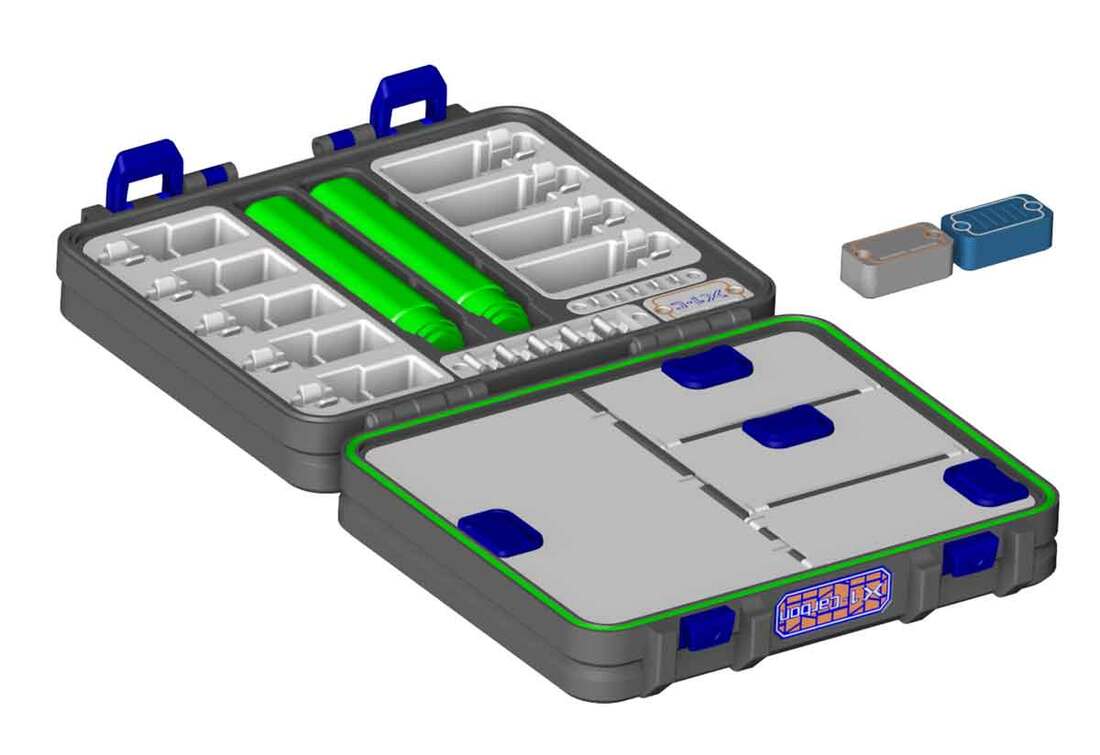
But as soon as it was released, I opened a support case with MakerWorld to ask if I could either get 3D models of some of the spares they include with the H2D, or possibly if there is a way I could get some of the physical spares.  I explained that my intention was to design a spares case, similar to the A1 and X1/P1 spares cases which I've previously designed.  They told me there were no 3D models available for the spares, but they would send my request up to another department to review.  I asked the same question back when I made the A1 spares case, but they could not help with the spare then, which is understandable as it's an odd and unique request.  Fortunately, when I designed the A1 case, there was a lot of help from the community, and as luck would have it, the same happened with the H2D spare parts. 

While I've been waiting for more news from Bambu regarding the H2D spares kit, I was messaged by an H2D owner who asked if I had plans to modify my other spares cases to work with the H2D spares.  I explained the situation with needing dimensions for the spares, since I do not have an H2D myself, and fortunately they were willing and able to help out.  I explained that all I could offer them was thanks and acknowledgement, and they were cool with that.  I'm not gonna mention their handle here, but I will do that once I release the design, and make sure they approve.  But huge thanks to them for the dimensions I was provided (and also for testing prototype holders)!  I now have some working designs for hotend, cutter, wiper and sock holders, which I can use to fill out an H2D spares case. 

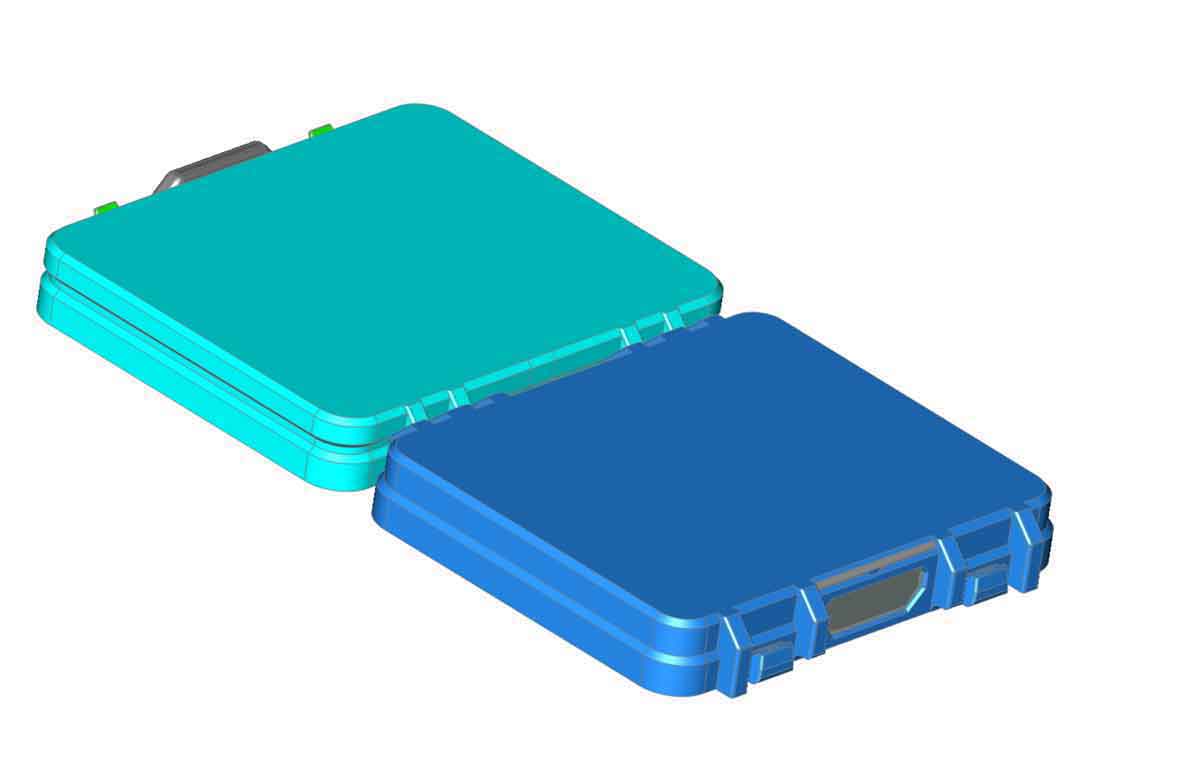
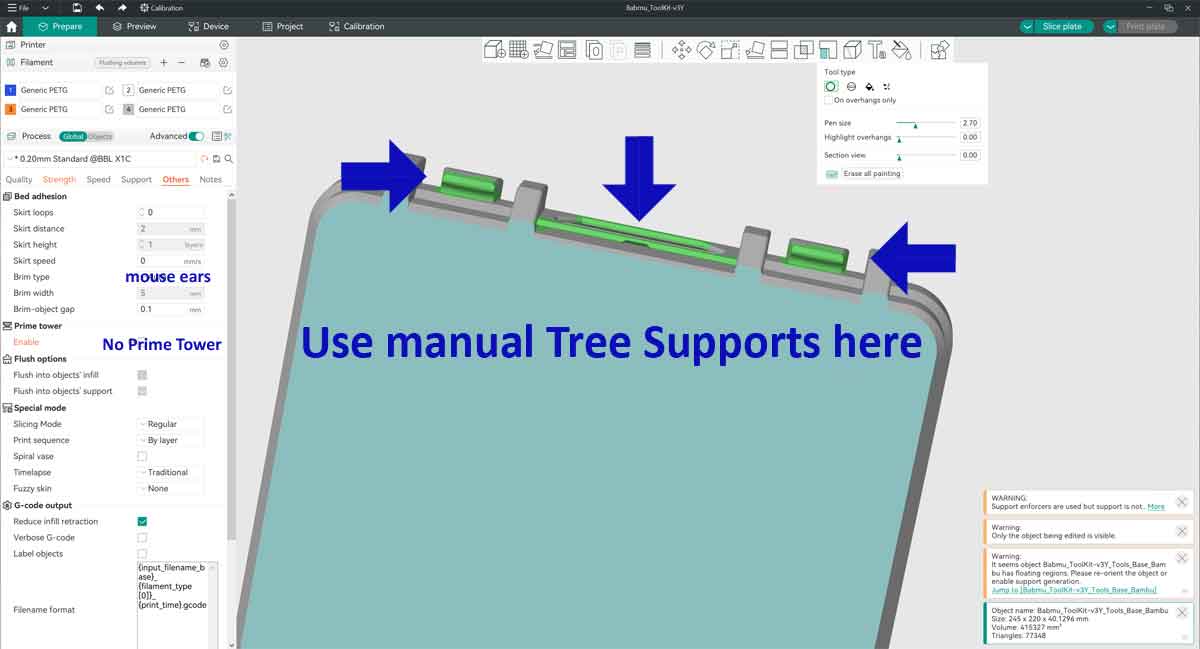
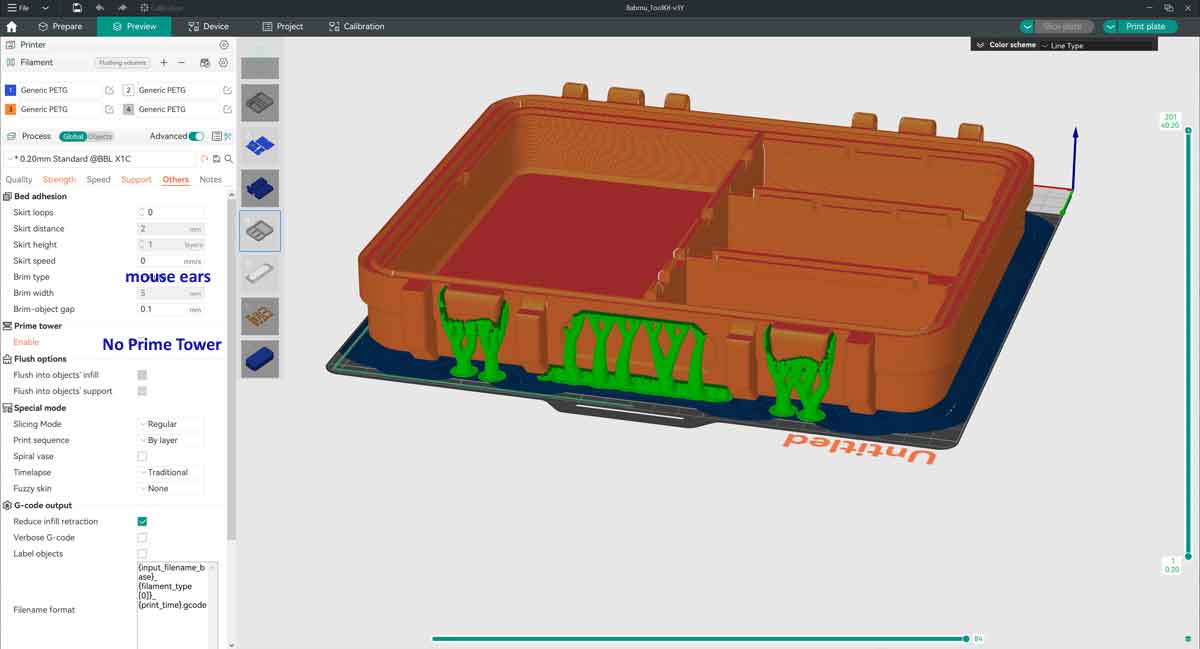
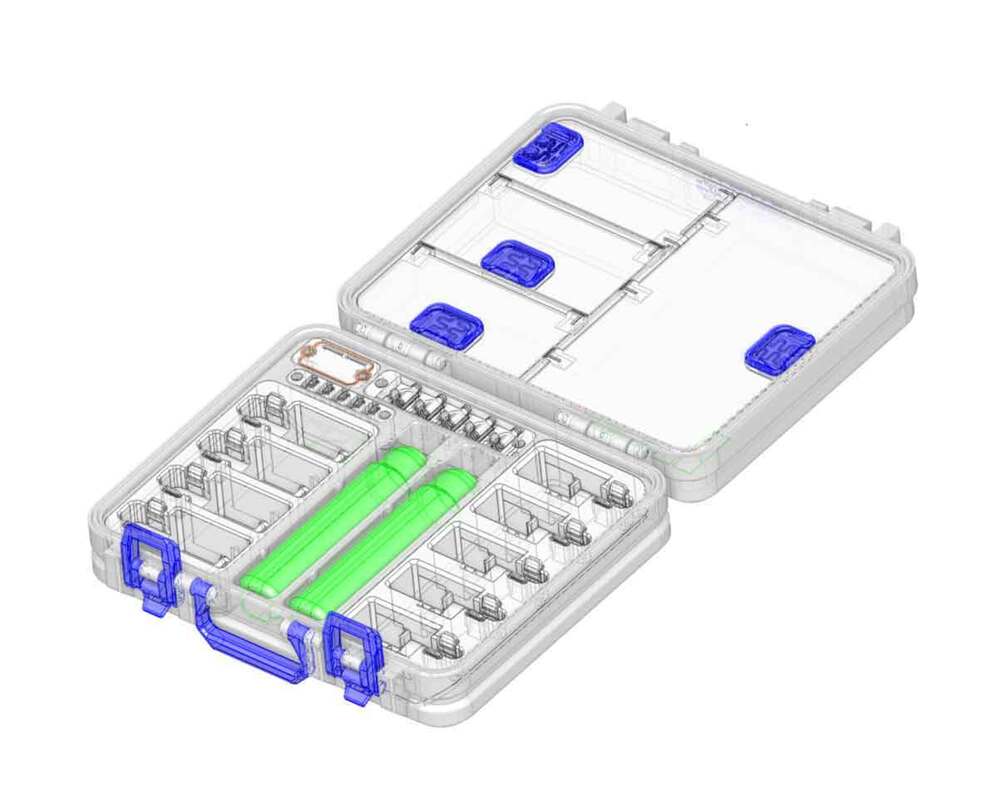
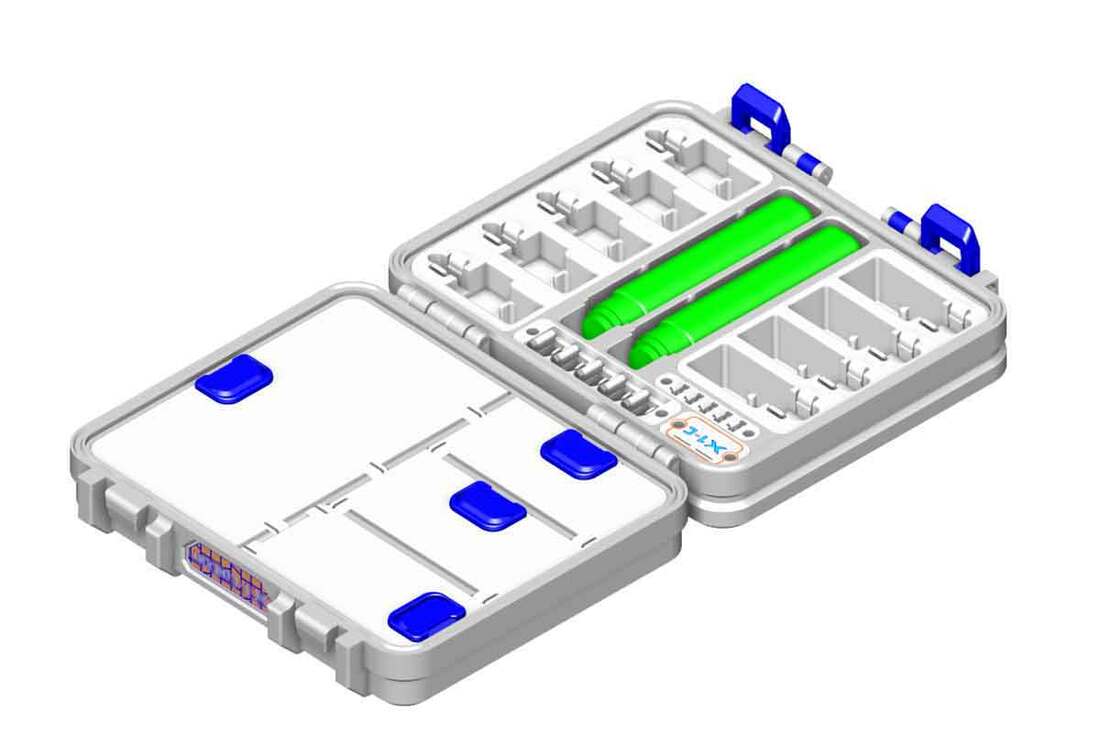
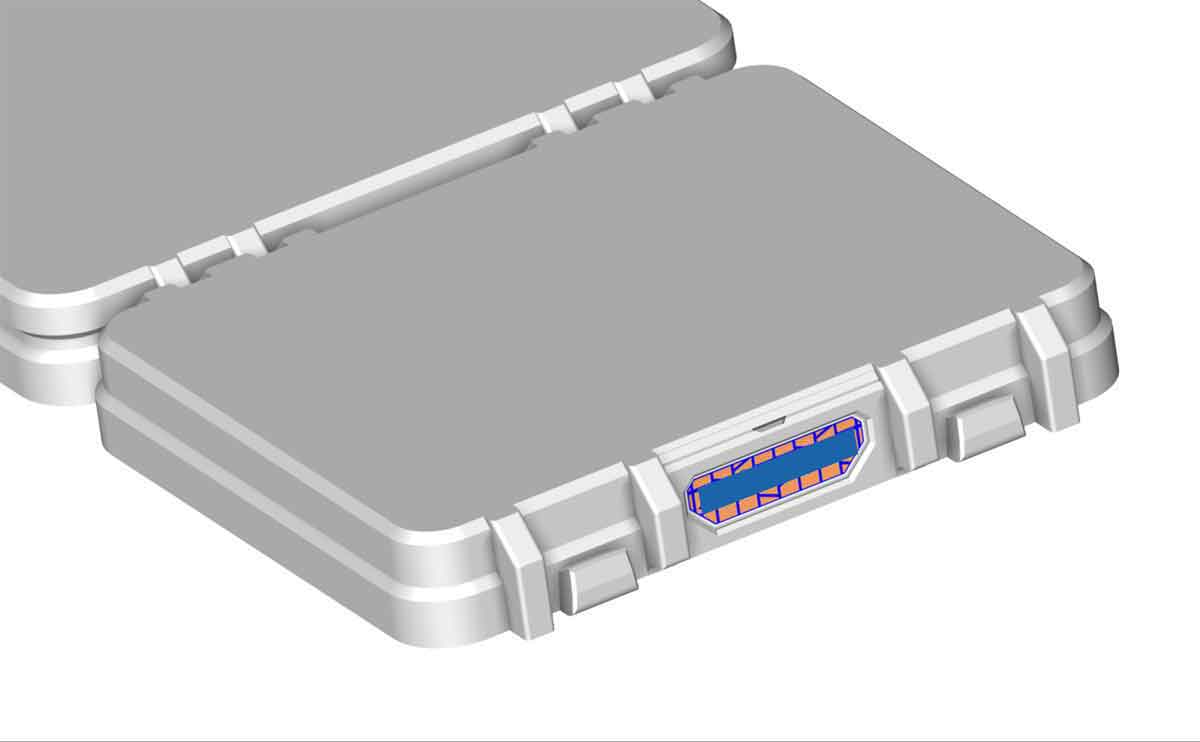
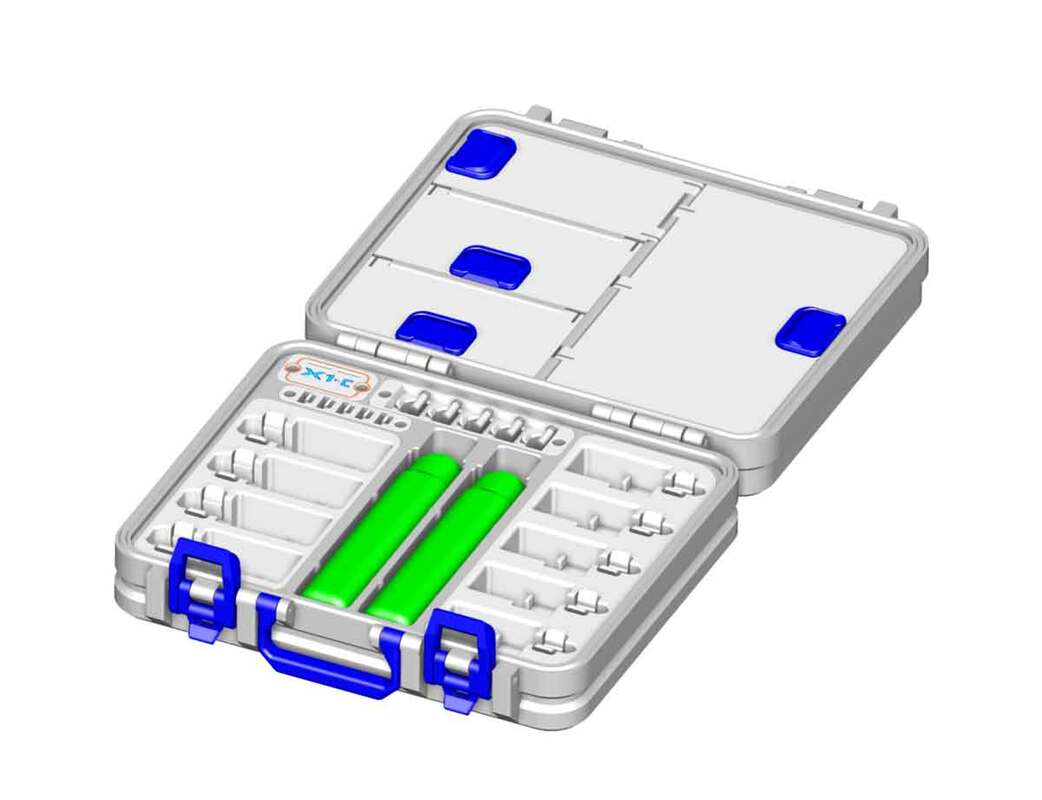
There are currently two layouts which I need to choose from.  Both have two modules which will install into the case, and one has a small compartment in addition to the modules.  There are labeled as "C" and "D" below.  I think the "C" option may provide more flexibility for future updates related to laser modules, but I think both should be able to accommodate the 10W module, and the drag knife (in place of the hotends).  I've asked Bambu Support if they know the approximate dimensions of the 10W and 40W laser modules, which will help me decide on a layout.  Both the layouts shown in the first image below will maximize hotend storage.  But regardless of which option is chosen, I plan to offer some modules with compartments instead of hotend modules (as an option), for at least one of the modules shown. 

Once I can pin down the layout, think I can knock this design out pretty quickly.
Update 4/12/2025: I decided to go with the "option D" layout.  The design is almost completed, but I found that the 40w laser module is going to be too big for this case design.  There may be a way to fit the 10w module however, but I do not have a design for that planned.

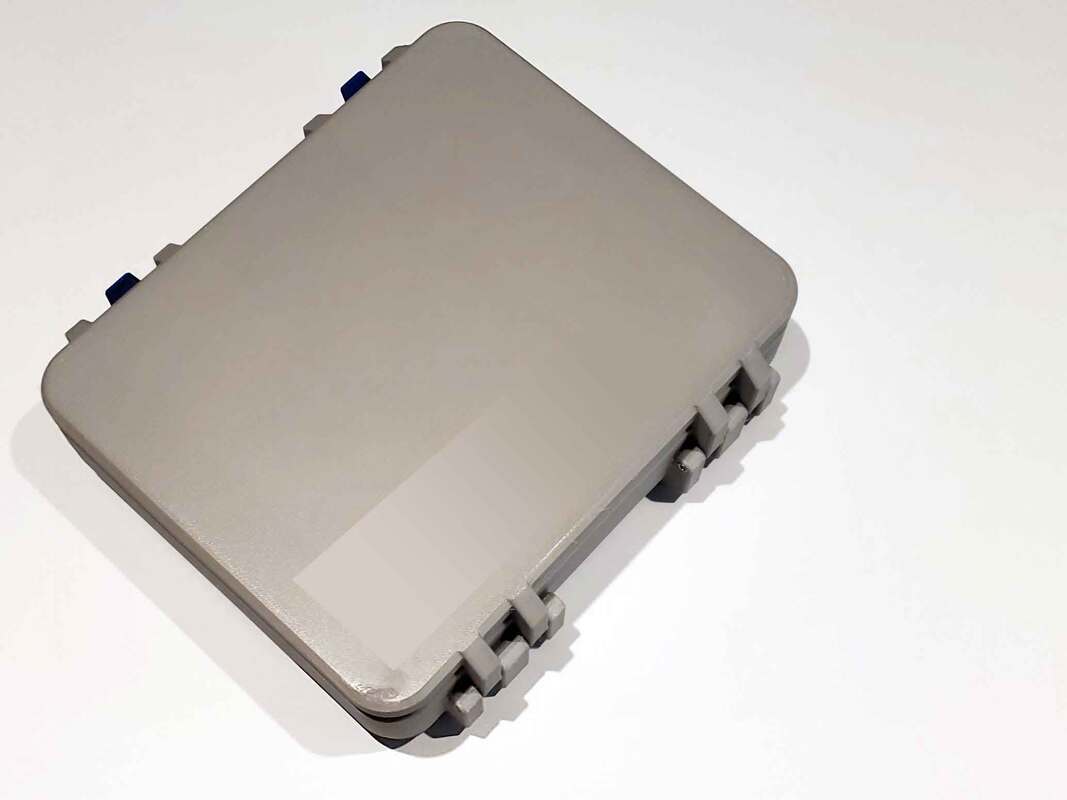
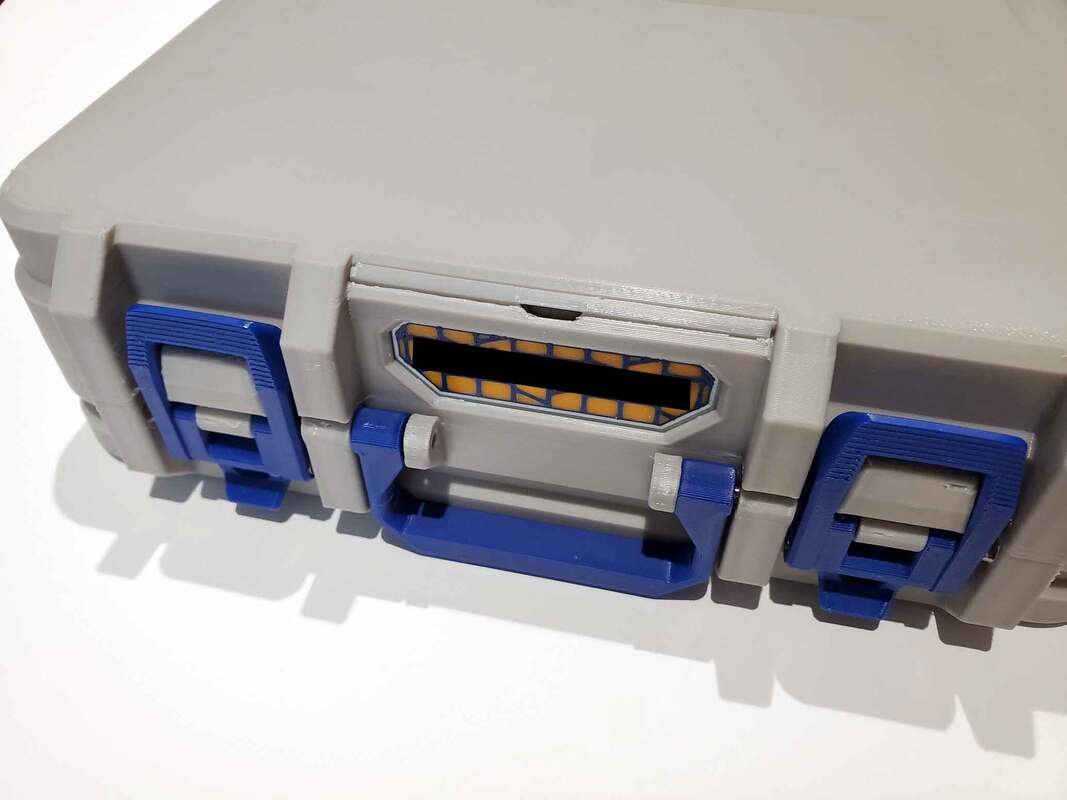
The pics below show the H2D case prototype, with three modules.  The module on the lower left can either use a hotend holder (which holds 6 pairs), or a compartment module.  The small module on the upper left holds cutters and wipers, with a small compartment which can hold other spares.
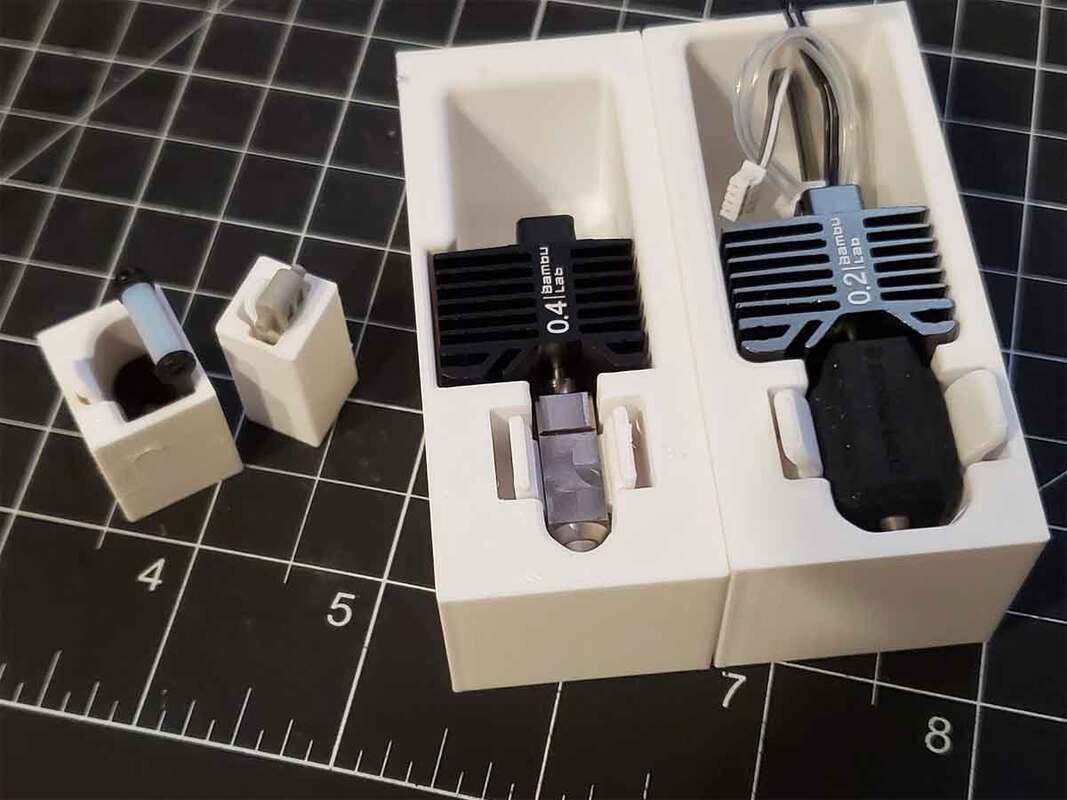
Update 4/17/2025:  Thanks to the help of a kind user over at MakerWorld, who tested the models with his H2D spares (and also provided details dimensions), I think this is getting close to being done.  Something that was noted however, is that only one magnet is needed to hold the hotends (the design has 2).  After thinking on that, I decided to use one slightly larger magnet, with the option to use either an 8x3 cylinder magnet, or an 8x8x8 cube magnet.  Whichever magnet was not used, could have a label plug installed to cover the hole, and also help to label the hotend slots. 

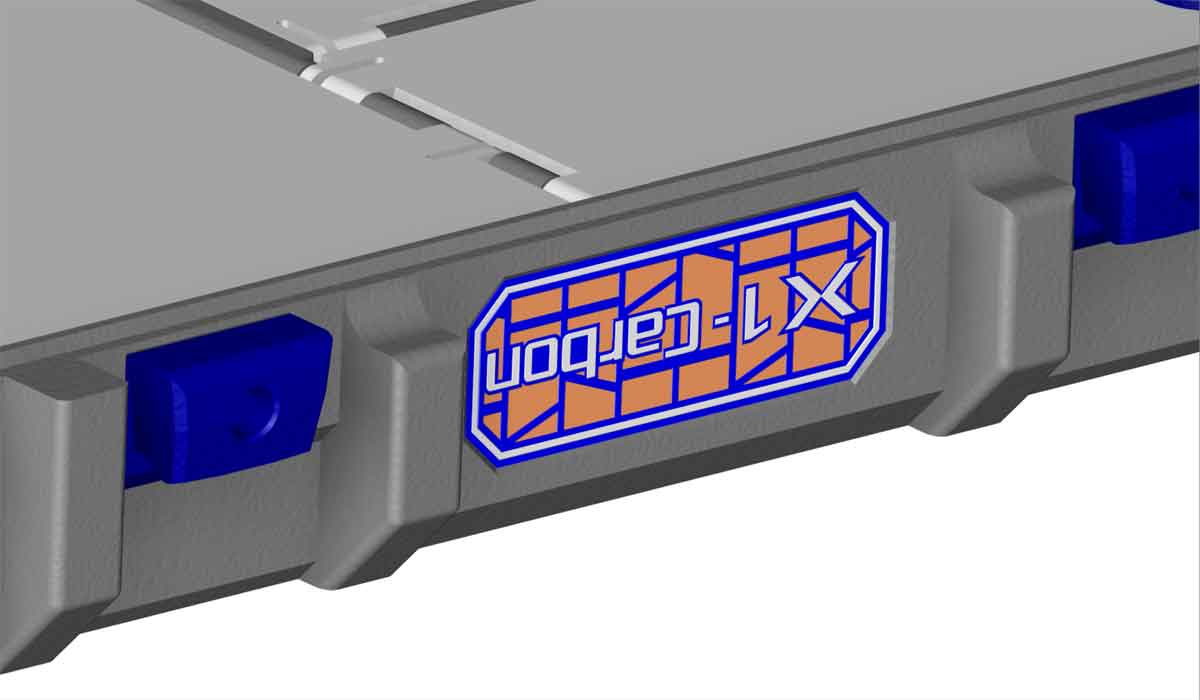
I'm still working on these labels, to tune them so they will press fit in, but the magnets will require superglue to install.  I don't want to make the magnet holes too tight (for a press fit), since there could be some variation between magnet suppliers, and it's easier to go a bit larger, than having it too tight where the magnets just will not fit.  The pics below show the concept for the label plugs.  I plan to make some labels for all the existing hotend types (0.2, 0.4, 0.6, 0.8 and 0.4 High Flow).  The labels are small however, so the names will be abbreviated to fit.
The case design is now uploaded to MakerWorld:

https://makerworld.com/en/models/1331229-bambu-h2d-spare-parts-case-version-1-0#profileId-1369592
0 Comments

Small Update On the Way for the Bambu X1/P1 Spares Box (Completed)

3/18/2025

0 Comments

 
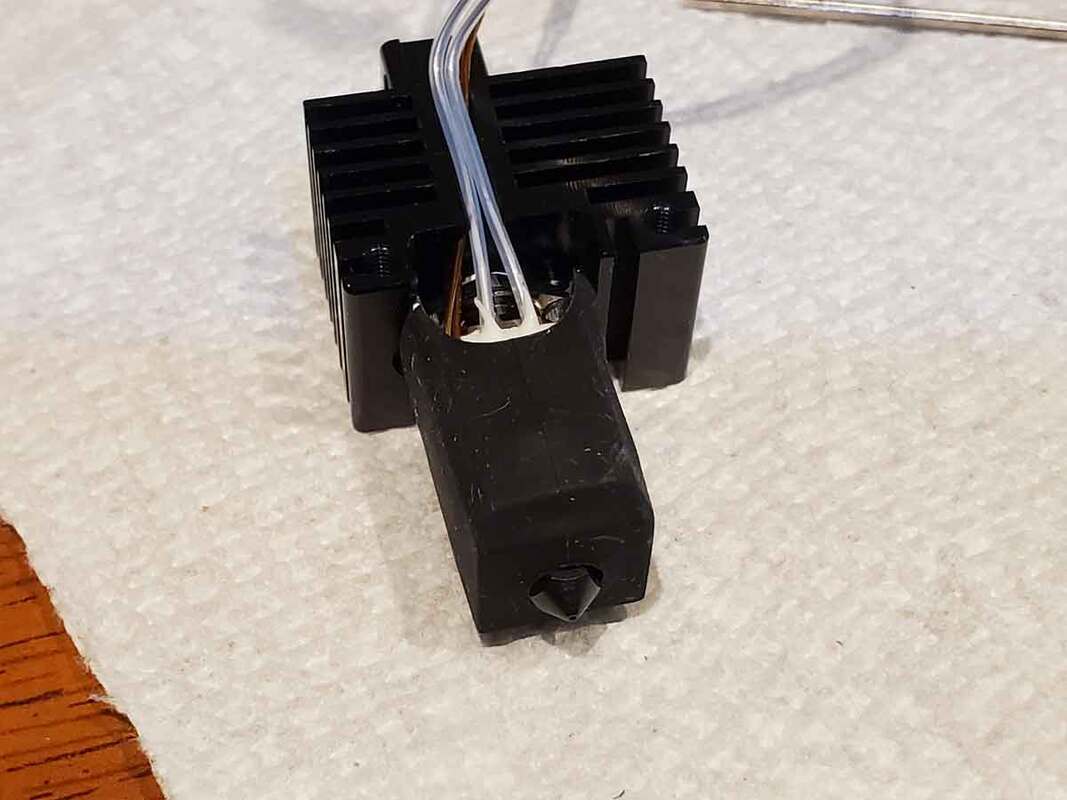
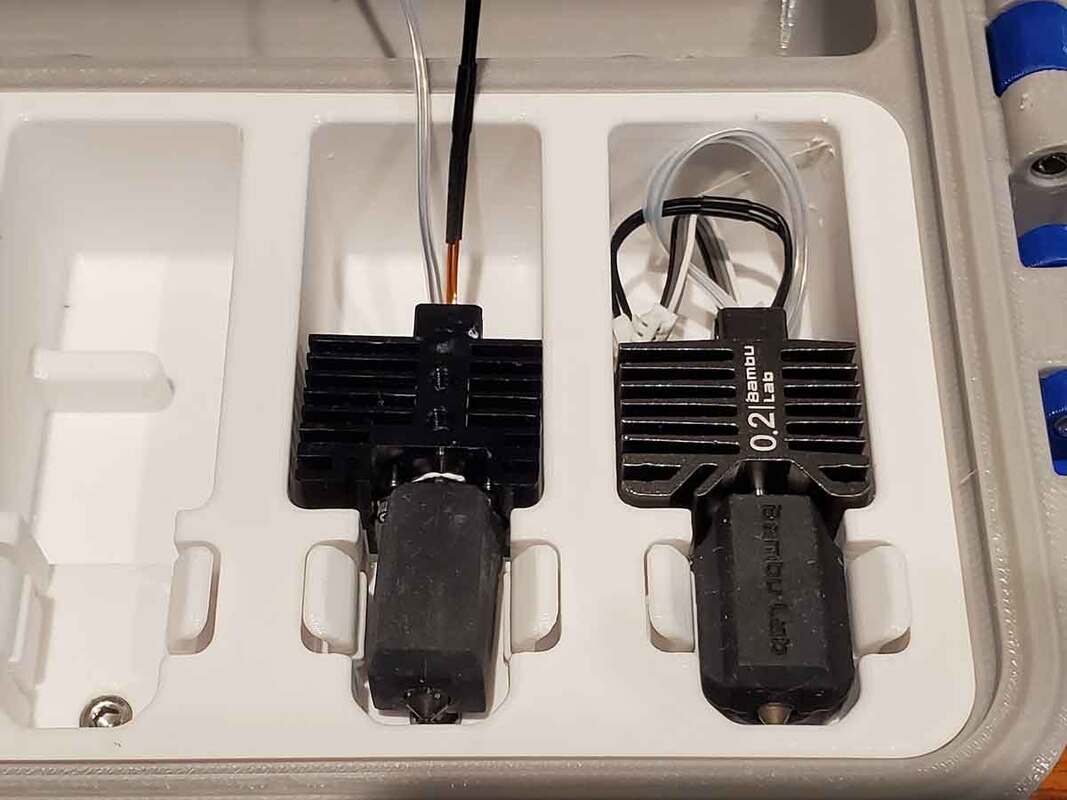
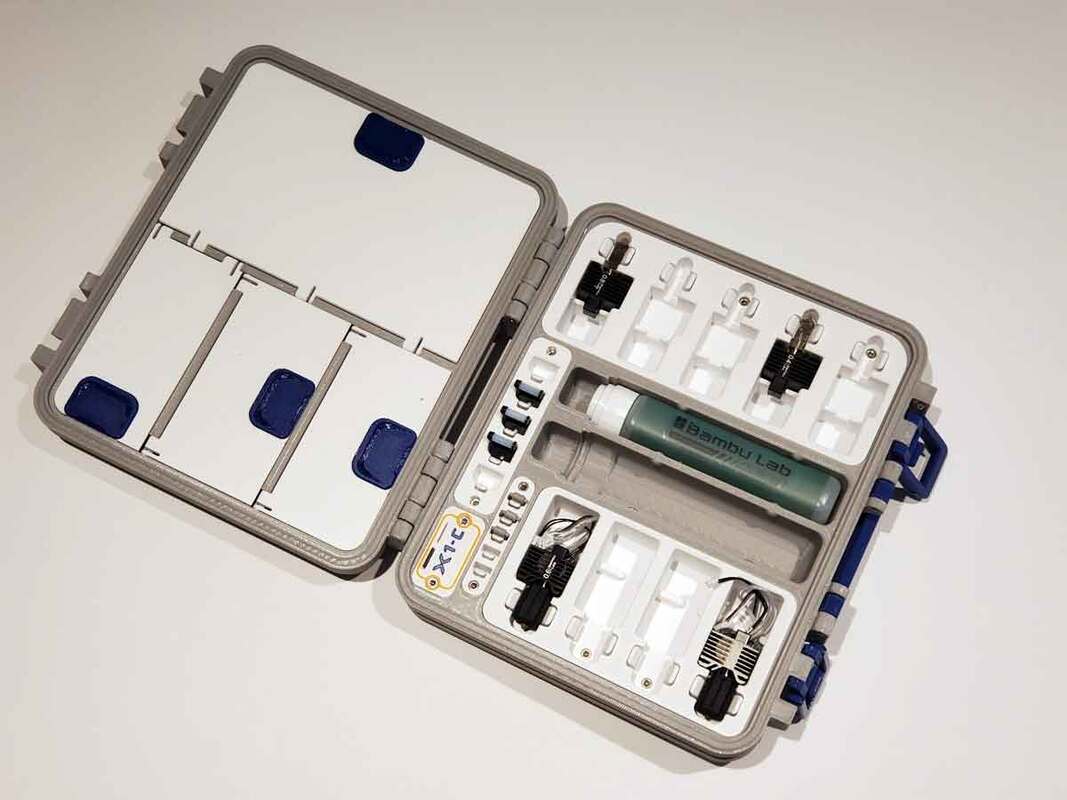
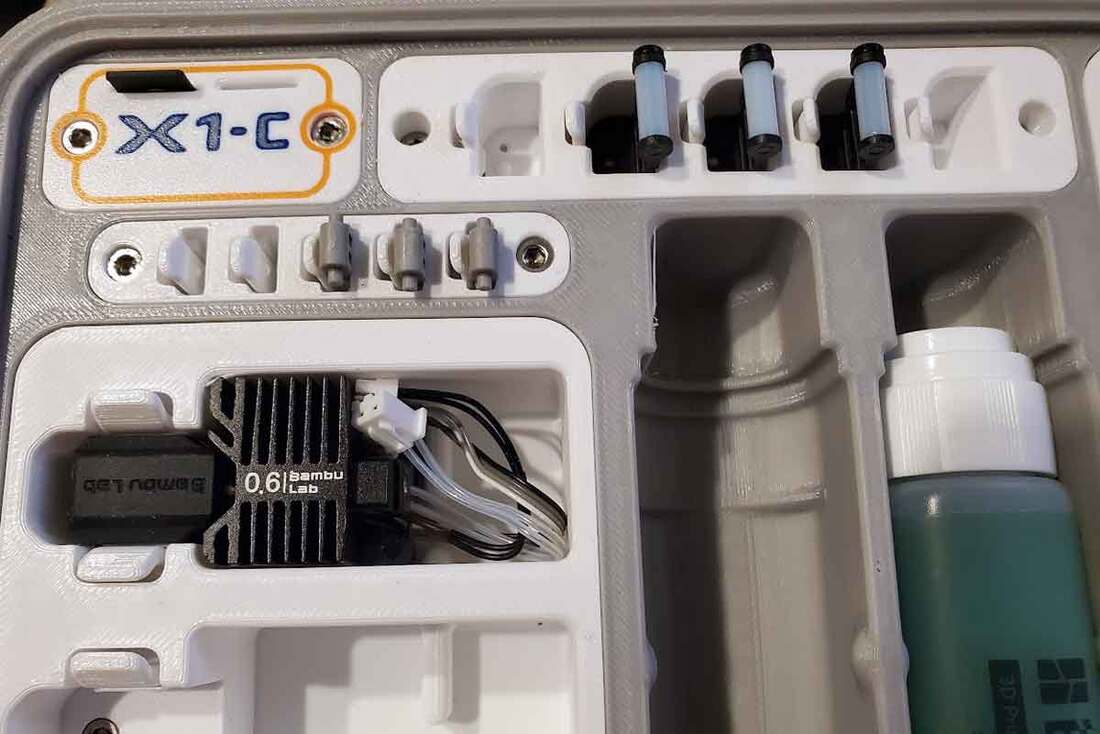
Picture
Thanks to some helpful feedback, I'm working on a small update to the "wiper module" for my  Bambu X1/P1 Spares Box .  The "wiper module" is the part shown in light blue in the image above.  It is designed to hold five of the wipers for the Bambu X1 or P1 series printers.  The changes include large holes for the small pegs on the base of the wipers, and a more aggressive clip design.  I'm gonna test the changes today, and if it works better, the update will be posted in the next couple days. 


Update 3/19/2025 - The updated wiper module was tested and holds the wipers more securely.  I've updated the 3mf profile and models over on MakerWorld, so you can find them here:

https://makerworld.com/en/models/62636-bambu-labs-x1-p1-spare-parts-case-version-3-1

0 Comments

How I (Sometimes) Clear a Jam in the Bambu AMS

3/15/2025

0 Comments

 
Picture
While I was running a prototype print today, to test an update to my Bento Style recirculating filter, I had a jam occur inside the AMS, after some wet PLA snapped as I was unloading the spool.  When there is a broken bit of material inside the AMS, it can be a pain to remove, sometimes requiring partial disassembly of the AMS or even the AMS internal hub.  There is a "trick" that I recently found to clear AMS jams though, and if it works, it can save a good bit of time.  The method I've been able to use is described below, but this method is not the recommended way to clear filament jams in the AMS, and therefore I have to add that this information is for educational purposes only, and if you follow what I did below, you do so at your own risk.  Additionally, this only works if the jam is inside the AMS, it will not work if the jam is outside the AMS or in the hotend. Also please use eye protection when working on printers, read the manual, don't eat the silica gel packets, etc...

This is the method I've used to clear filament jams inside the AMS, and sometimes it even works:

  1. I remove the spool where the break occurred, and wait for the printer to stop trying to load/unload the filament.  There may be a red light on the feeder.  There may be an error message as well. 
  2. I then disconnect the Bowden tube at the back of the AMS (this may require partly removing one of the center spools).  If another spool needs to be removed to access the disconnect, I avoid pulling the filament out for that spool.
  3. Next I cut off a 16" length of filament, preferably PETG, but definitely not the same wet spaghetti PLA that broke in the first place.  The filament must be good material which can flex without cracking. 
  4. I then install a good spool in the slot where the break occurred (not the wet spool), and then feed the filament in as far as it will go through the feeder tube for the slot, until it stops (just until it stops).
  5. I next insert the length of good filament (the 16" section) into the back of the AMS where the Bowden was removed, until it stops, keeping some light pressure on it.  It's important to keep fingers far enough away from where the filament goes into the AMS, since the filament will get pulled in on the next step.  A short length of Bowden tube could also be attached to the AMS rear filament inlet to assist with this, but I've done it without needing a tube.
  6. From the printer screen, I then attempt to unload the filament on the position where the break occurred.  While the printer is unloading, I keep light pressure on the filament that is fed into the rear of the AMS.  Making sure to keep fingers well away from the rear filament inlet on the AMS, as the filament is pulled into the AMS.
  7. Once the AMS starts to draw in the 16" length of filament from the rear of the AMS, I let go of the filament being fed into the AMS.  The rest of the process is hands off.  Any weird noises at this point, I'd probably power off the printer and clear the jam the "correct" way.
  8. I allow the filament attached to the good spool, which was fed all the way into the AMS slot to be pushed out.  I usually will try and grab the loose end as it gets ejected from the feeder, so it does not end up tangled.  Following it, should be the broken piece, which will then be followed by the length of good filament (about 16") which was fed in from the back of the AMS.  
  9. Once the 16" piece of good filament is pushed out of the AMS (through the front feeder for the slot), the clog should be cleared (if the broken piece was previously ejected from the feeder in the prior step).
  10. Finally, I will dry the spool that had the break, and then it can be reloaded into the same slot. It should be possible to continue printing at that point using the dry filament.

The TL;DR of this is that I use a section of filament from both sides of the break, which are pushed against the broken section of filament inside the AMS.  The AMS can then (potentially) unload the filament, and move the broken piece out when the internal hub and the feeder drive against the good sections of filament that "sandwich" the break.  If it works, the broken part will be driven out through the feeder, along with the good sections of filament used to drive the break though the AMS.

If that does not work, then the AMS will need to be disassembled to clear the jam.  It's not a bad idea to do that anyway, since it allows the internal Bowden tubes to be inspected for wear, and if the clog is inside the hub, the hub can also be cleaned out (it collects filament dust over time).  As with any off label work on a printer, I always try and be ready to shut off the printer, if things start making weird noises.  It hasn't happened yet, but a "plan B" is always a good idea.  

0 Comments

Circling Back to Some Older Designs

3/15/2025

0 Comments

 
My "New Years Resolution" was to get several of my older designs back on track.  Some are updates to existing designs, and some are new (though stuck on the back burner), and one has been undergoing an uh... long term test, yeah, that's the ticket lol.  That last design is what I've been working on lately, and the one I want to get released next.  It's a Bento Box style recirculation filter, which I've been running in my Bambu X1C for about a year and a half now (without issues).  I know, what the heck, right? 

I probably should have released it long ago, but in the back of my head, there's been two things which have nagged at me regarding the design, and they are the complexity, and the cost.  I've gotten feedback on other unrelated designs, where folks reject the idea that they may be required to buy more hardware than they imagine is needed, and I get that (though I don't always agree).  For this filter design however (as I currently run it), I felt that would be a valid criticism, since it is expensive as I've built it.  When I calculated the current cost for the parts needed to build the filter, it ended up between $26.90 to $46.95, and that was based on the price for the actual parts only.  If building one of the filters, the costs would go up, since many of the parts can only be purchased in packs of 5 or more, so not ideal.  The lower end of that pricing is also based on AliExpress prices (the upper end is from Amazon).  Add the tariffs, and the fact that the de minimis rule will be going away soon, and the costs are only gonna be going up.  The end of de minimis just means the days of buying $20 worth of parts from AliExpress for a project, are going away (tariffs will add some, but a bigger problem is the approximately $30 plus customs "Merchandise Processing Fee" (MPF), that'll get tacked onto each order).  Likely prices on Amazon will also go up for many small parts too, since they're often sold by 3rd parties who rely on de minimis to keep prices low.  

So due to the high cost of the components, I've been making some changes to bring down the overall cost (at least an an option).  I think I could drop the parts cost to a more reasonable $20-ish, if the PWM fan control and fuse were deleted from the design, which are pretty simple changes.  Right now, I'm planning on a regular and a low cost build option, where the regular cost version will have all the bells and whistles (like the one I've been running for over a year).  The low cost option will use simple 2 wire 5020 blowers, an illuminated rocker switch, and a DC power inlet jack.  The WAGO's could be optional as well, if the connections were soldered instead.  The lower cost version will still need to be tested though, so I will need to pick up some 2 wire fans (or find some).  

Something else that needs some work is the name.  The current working name is Koraku, which is a variation on the "Bento Box" theme.  I've also thought about calling it MMM for "Marvin the Microparticle Machine", since it looks a bit disappointed with it's purpose in life.  I'm not really happy with either of those, so I may need to solicit some better name ideas on Reddit for the design (though that'd almost guarantee it'd be named Filter McFilterFace lol).

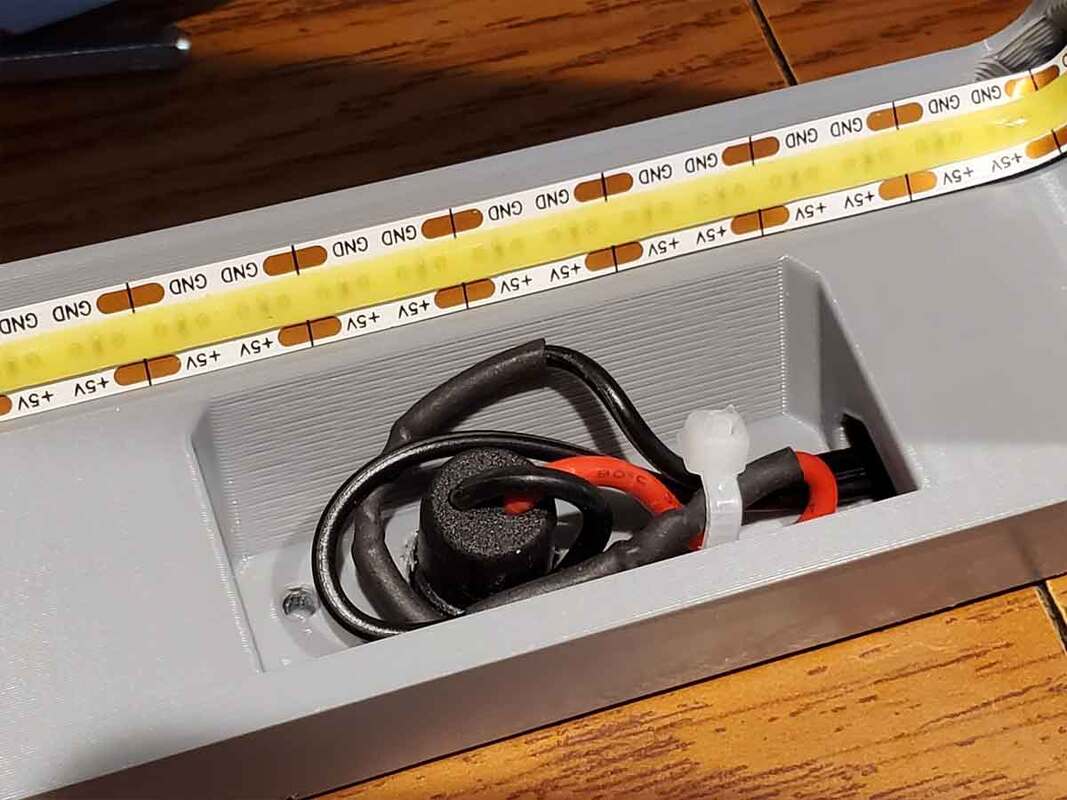
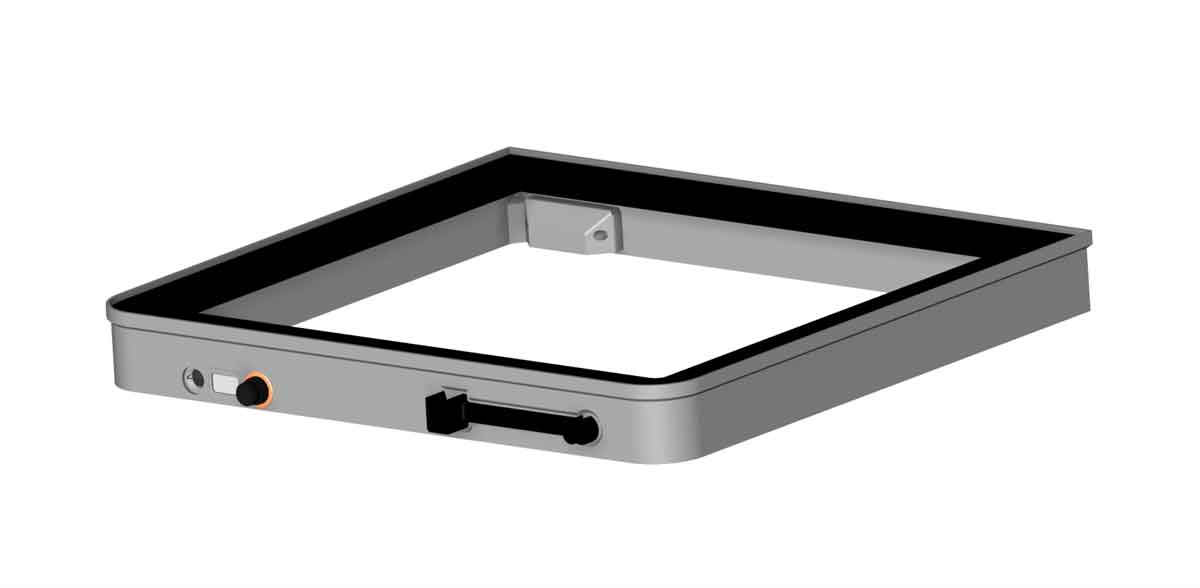
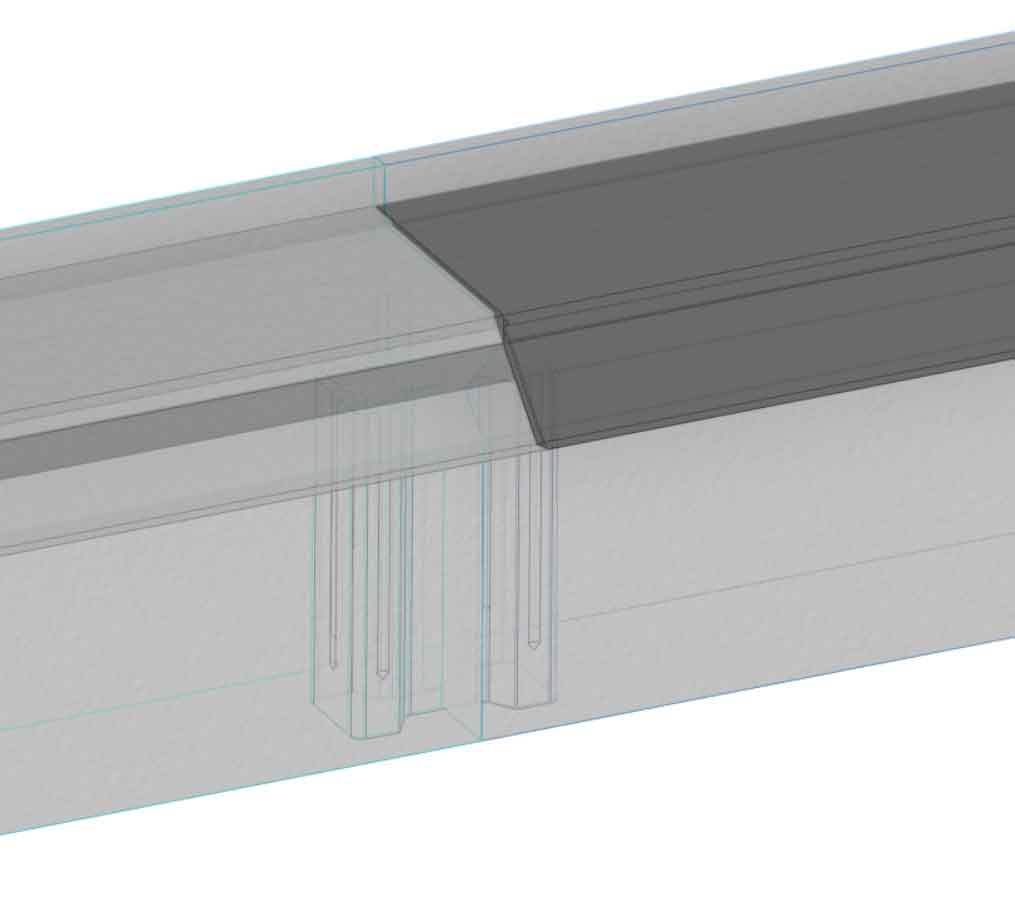
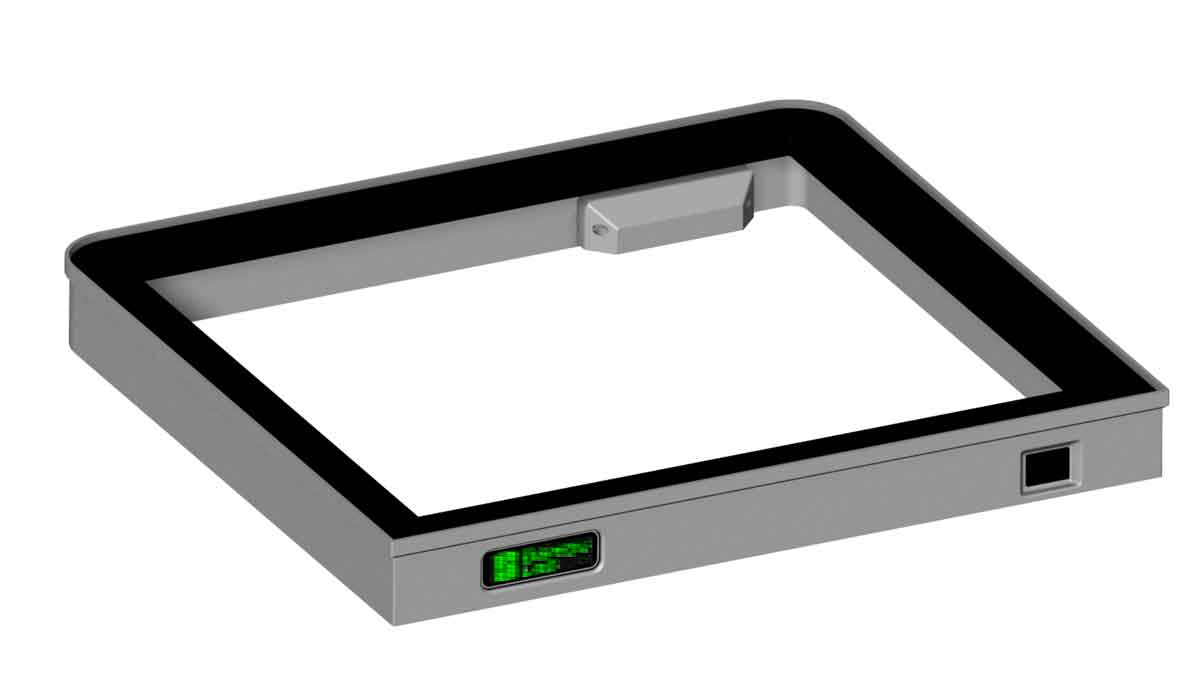
I wanted to add some pics, but the version I'm testing right now is still in parts and not done printing, so here are some of the version that I've been testing for over a year now.  The last pic of the CAD model is closer to the release version, and will be a bit taller, with a larger 2 tier carbon compartment, and a bit more room for wiring.  There will also be some small changes on the low cost version, which will swap the knob control with an illuminated toggle switch.  
Update 3/21/2025:  Some progress-ish to report on the recirc filter today.  I decided that it would open up some interesting ways to use it, if the filter had some expansion possibilities.  I don't know if these will be in the final design, since I don't have the parts to test them, but it's possible they could be options added later.  The base design should support a slide in module though.  The pics below show an untested prototype expansion module, which could possibly hold an ESP32-C3 and a DC-DC buck regulator (to drop 12v to 5v for the micro).  I think it could be possible to design a PCB carrier board to hold the modules as well, though I'm not planning to mess with Eagle (PCB design software) to attempt that right now.
Update 3/29/2025:  I decided to release the original model (which I am currently running) as the V1.0.  The changes seen above will be released as a new V2.0 version - which will NOT be backwards compatible with v1.0.  I just wanted to get it out now, since it has been ready for a while, but if you like any of the features seen above, I hope to get them out as a v2.0 version soon, which will be a bit taller than v1.0.
0 Comments

A Couple Updates in the Works

3/7/2025

0 Comments

 
It's been a while since I posted any 3D prints, but there are a few things in progress.  The first is an update to the 1x2 Gridfinity Watch Case, which is currently designed to hold a "normal" size watch, and has a TPU liner in the top lid of the case.  I'm gonna update it to hold up to a 52mm wide watch, and the new design will also have a TPU liner in the top and base to better protect a larger watch.  I'm also considering adding a modular latch design to this case as well, though I don't know if it's really necessary.  This design has been fully test printed, but I need to get some pics and write it up before it will be posted.

Update 3/12/2025 - The Wider 1x2 Gridfinity Watch Case is now uploaded to MakerWorld, and you can find it here:

https://makerworld.com/en/models/1203806-gridfinity-1x2-wide-watch-case-version-3-0

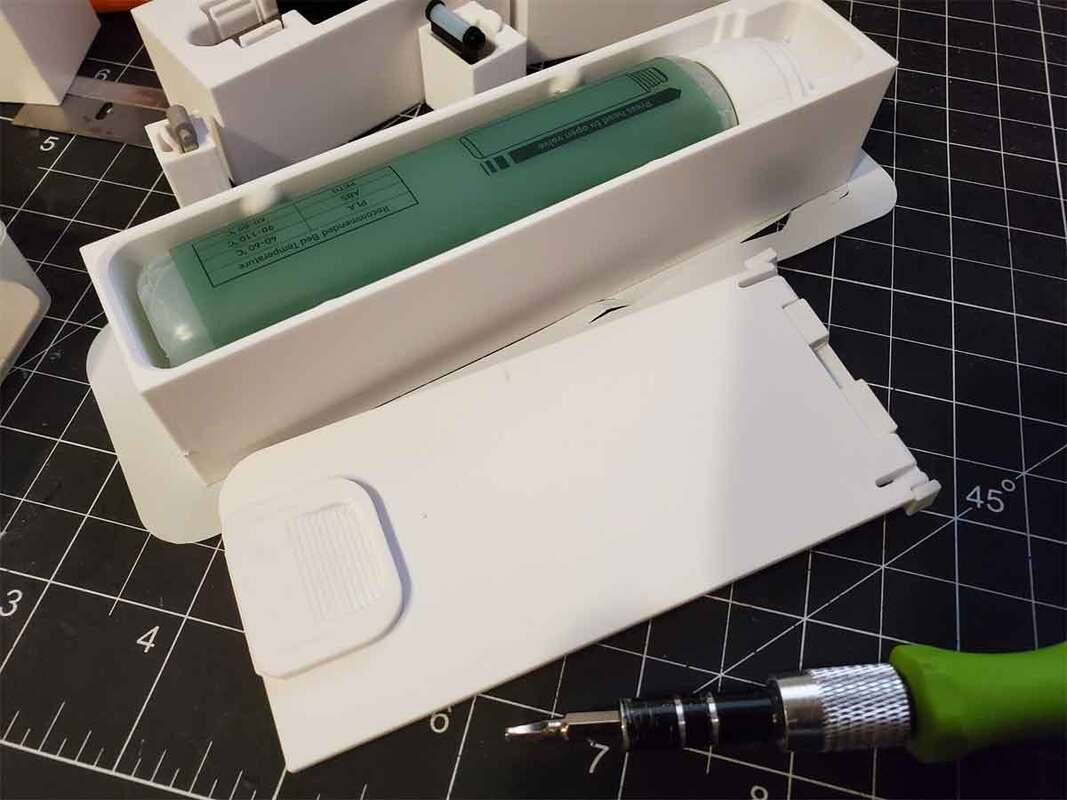
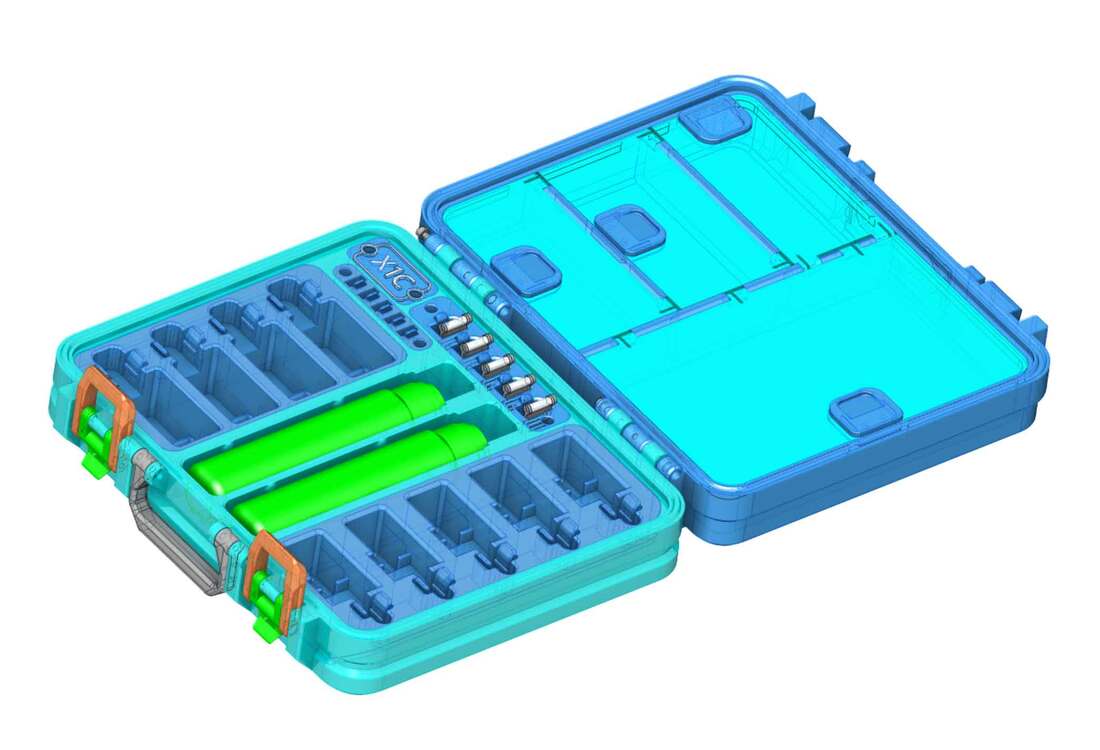
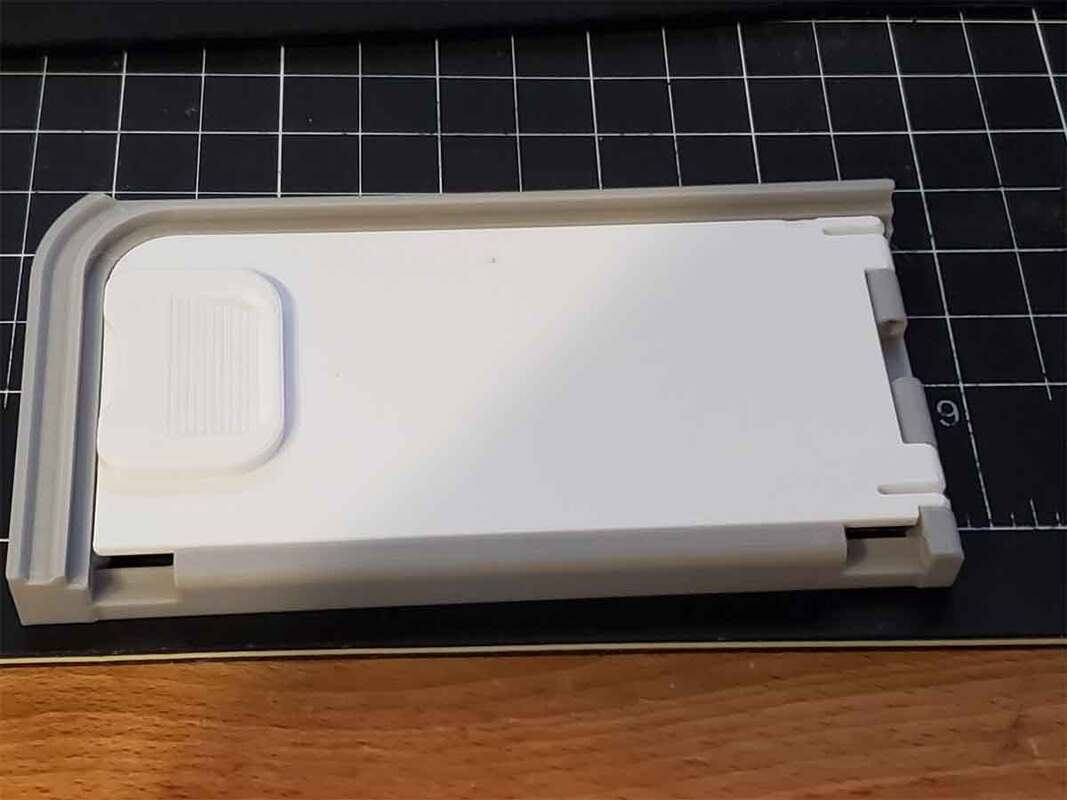
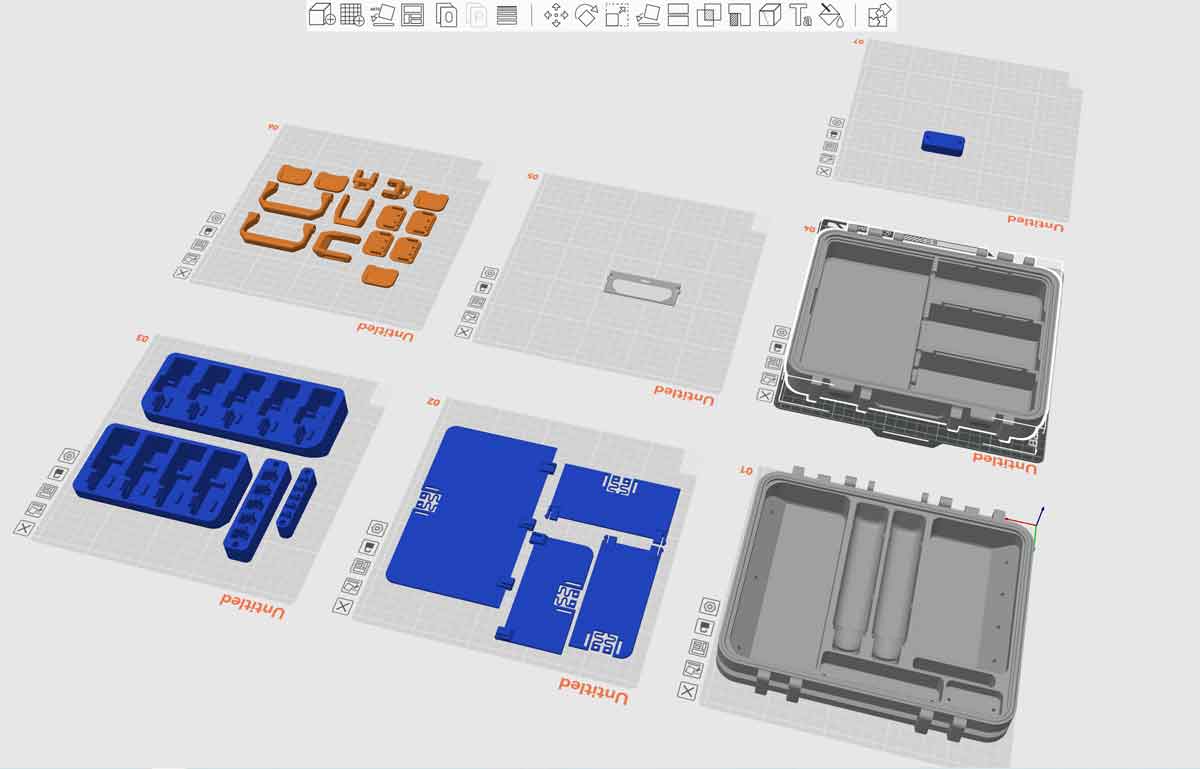
The next update will be for the X1/P1 Spares Case, which will get a stronger door (on the version with a compartment in the base instead of the glue holders), an optional 5x full hot end holder, and modular latches.  The biggest deal for me are the modular latches, which I hope will resolve a rare (but annoying) problem some users have reported during assembly of the case.  They had cracked the base when they tried to latch the case, with latches that were too tight.  The problem was resolved by adding longer latch options, but modular latches will hopefully avoid the issue at the source, since the weakest part of the latch can now be printed in an orientation that will give it greater strength.

Update 3/12/2025 - The X1/P1 Spares Case has been update to v3.0.  You can find it over on MakerWorld:

https://makerworld.com/en/models/62636-bambu-labs-x1c-spare-parts-case-version-3-0
​There are a few more things which are being worked on, but they are not as close to being released yet.

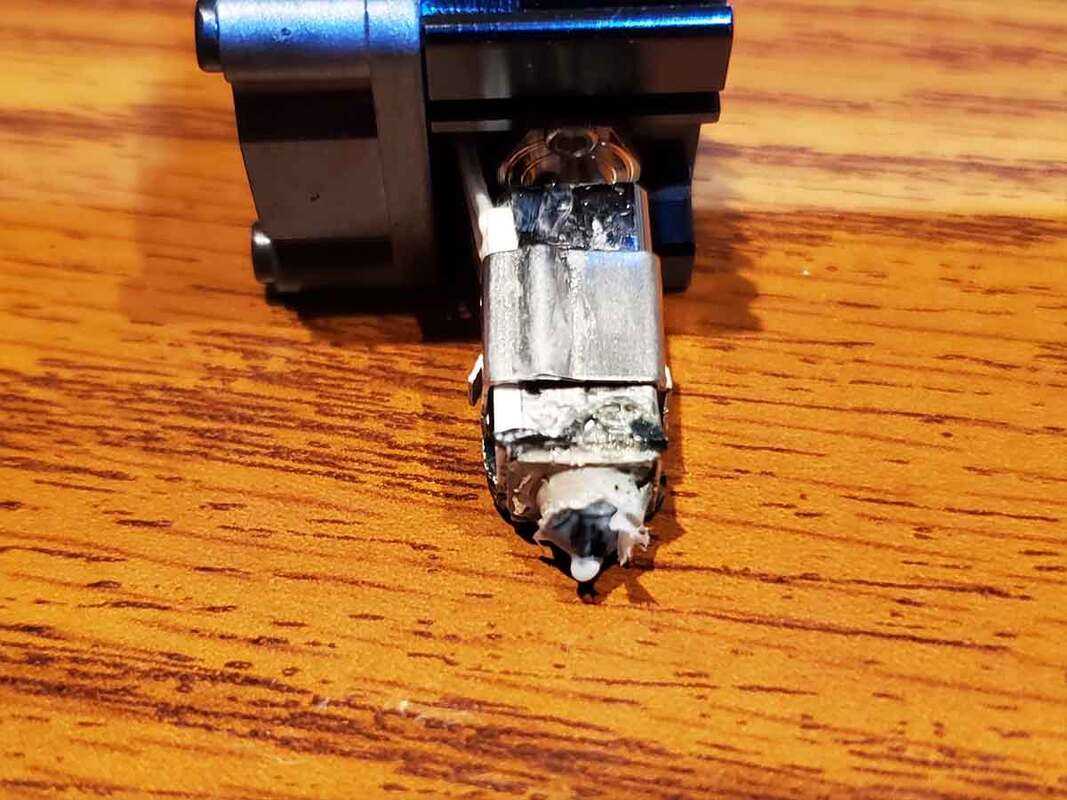
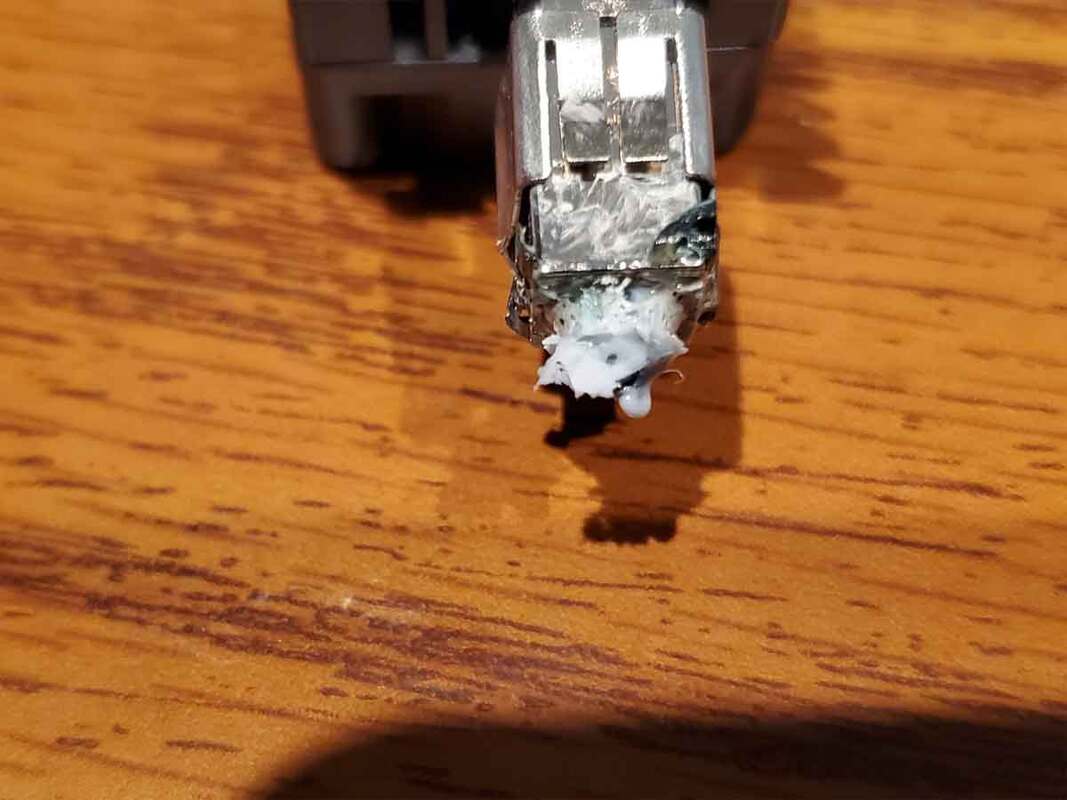
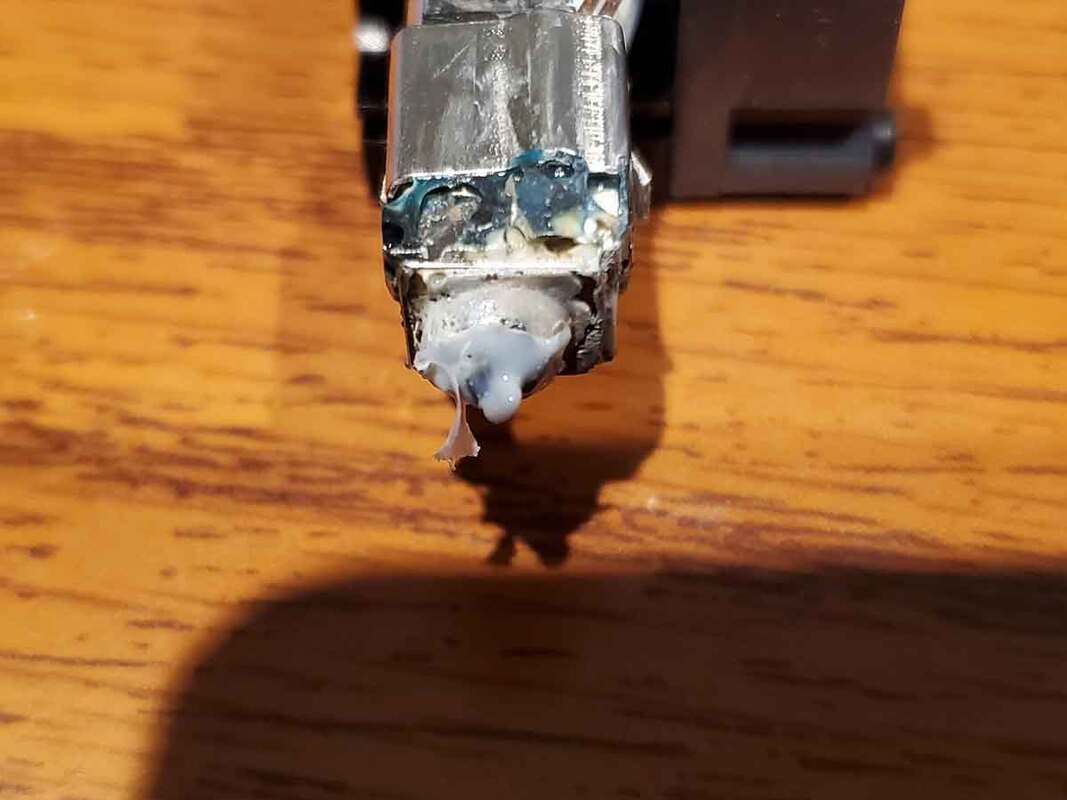
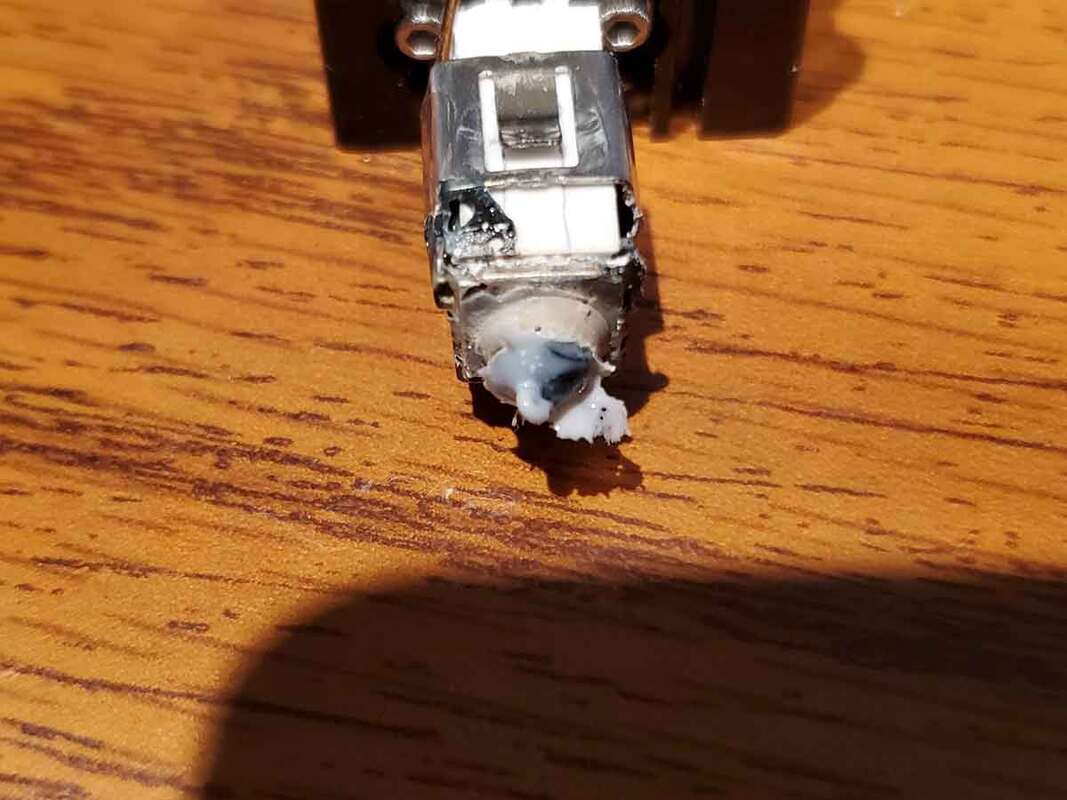
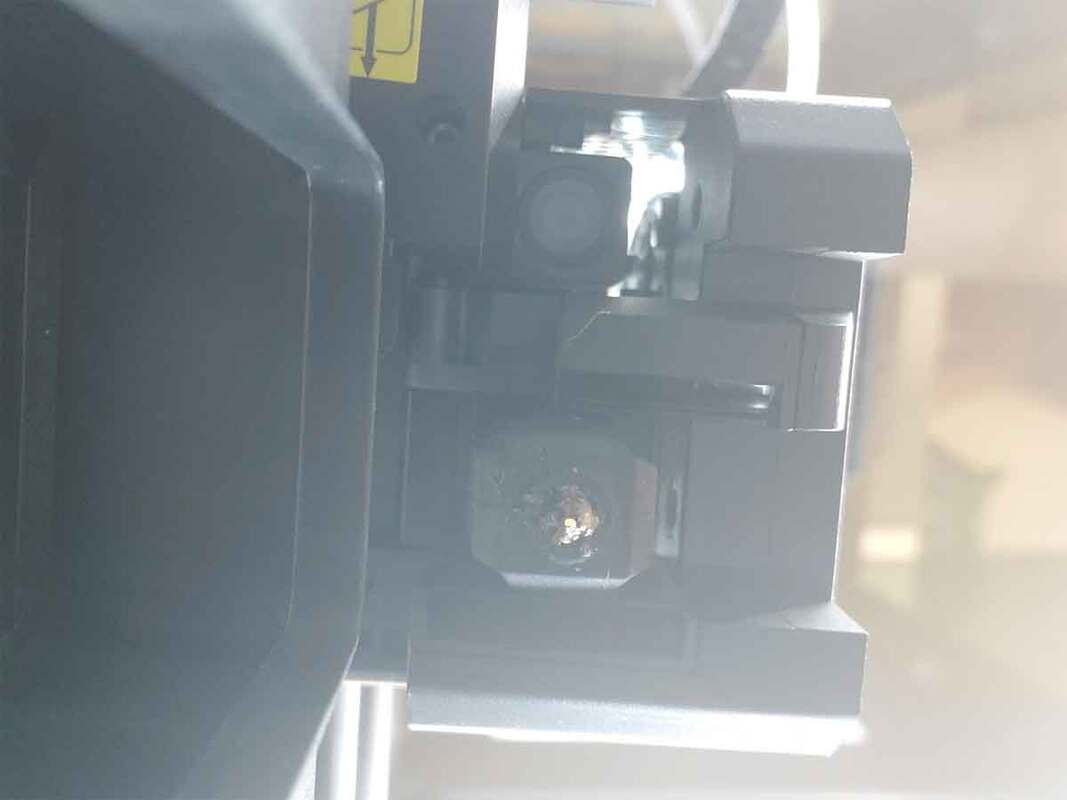
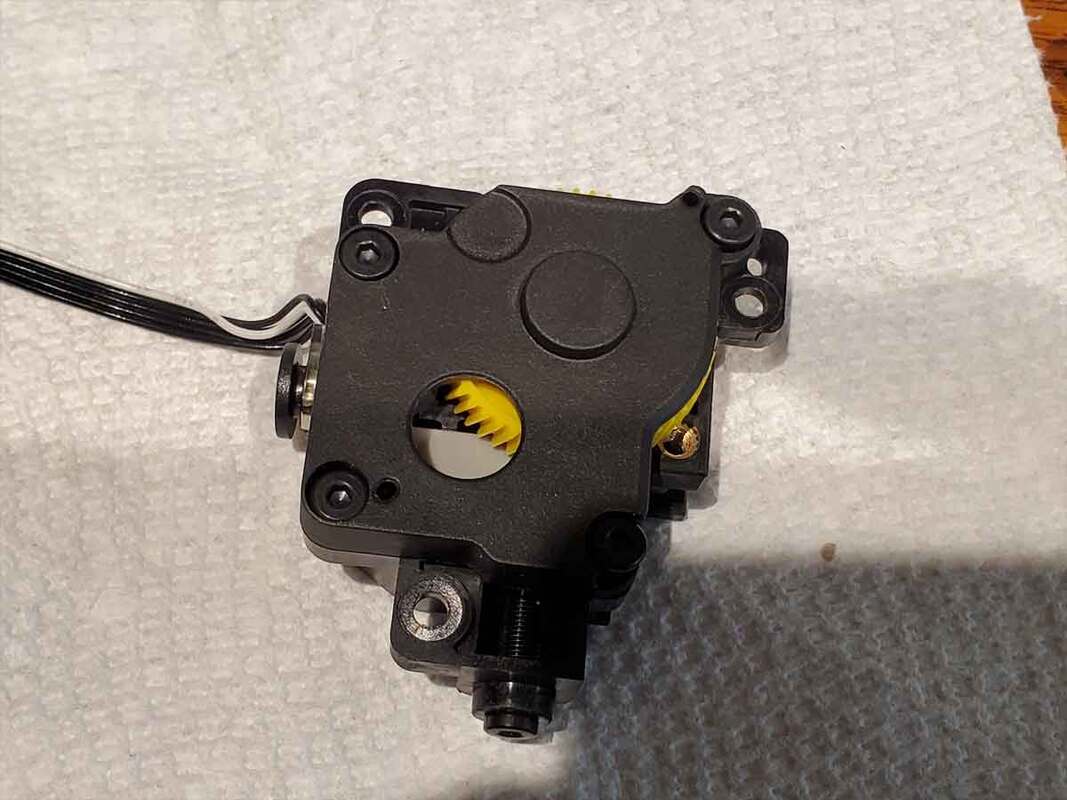
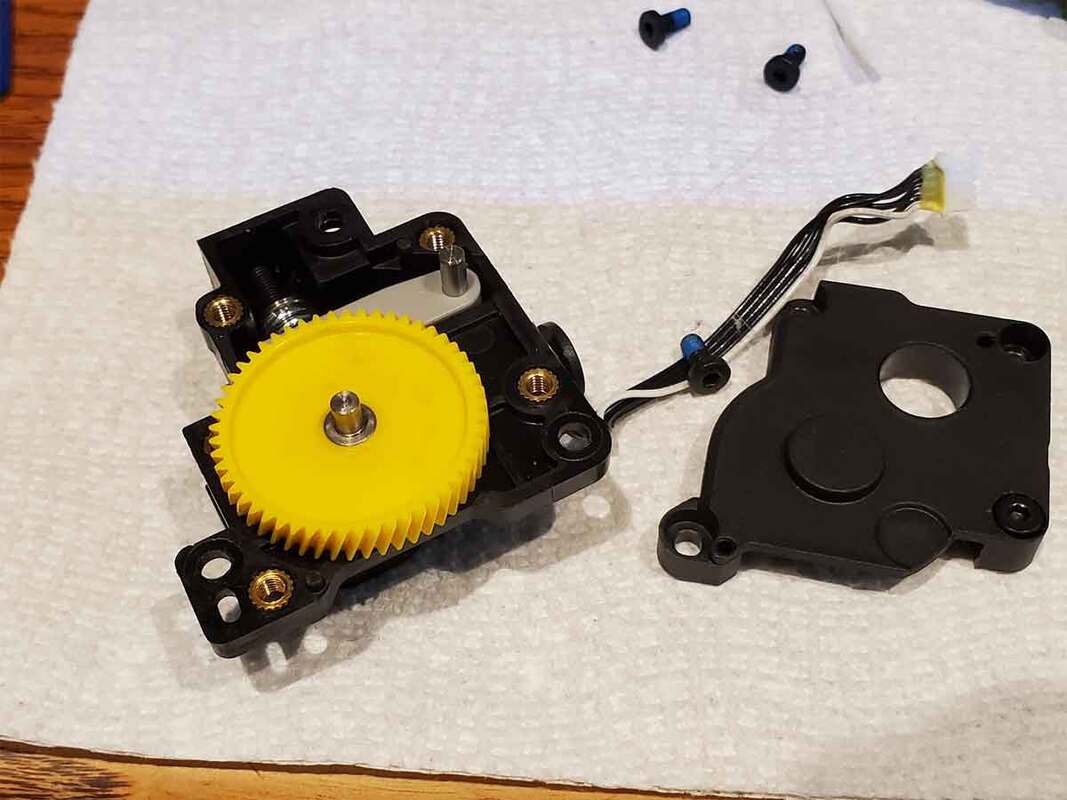
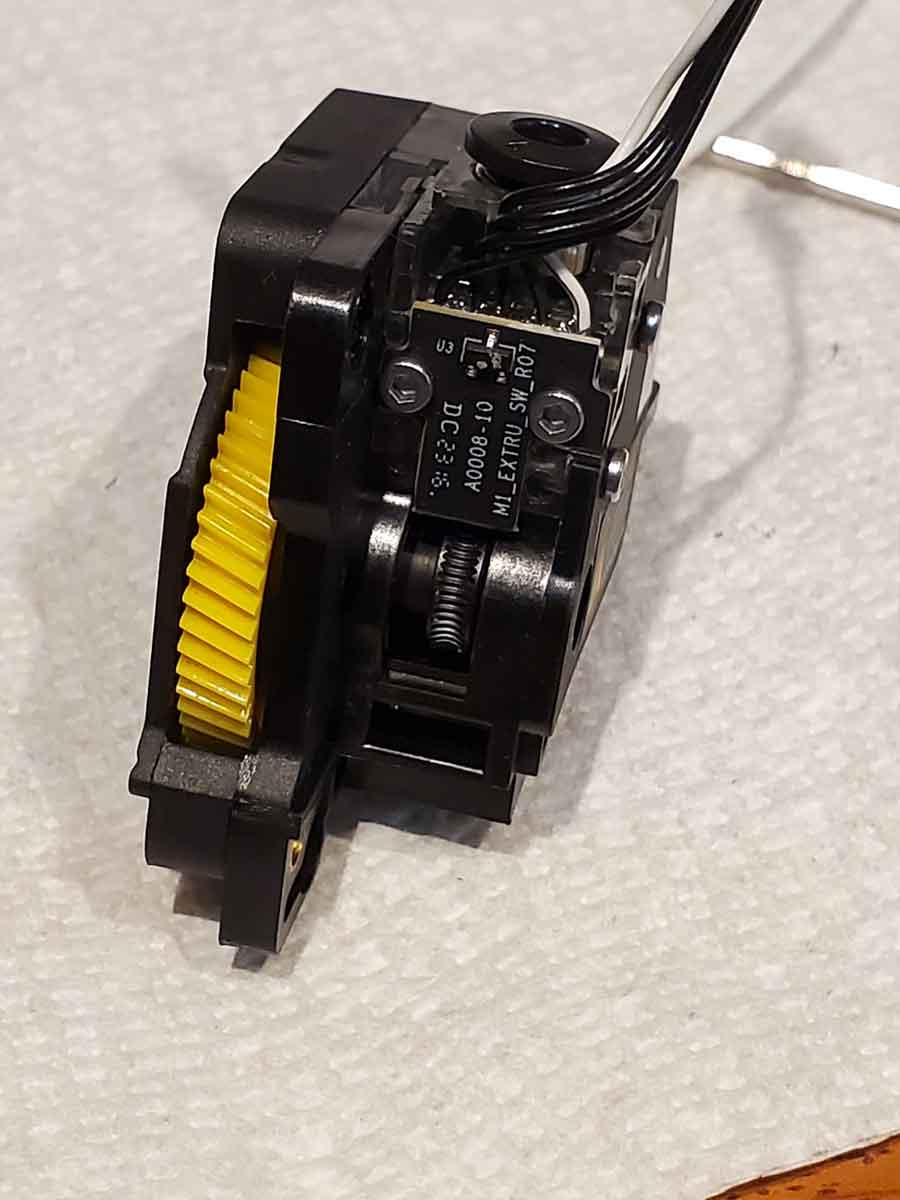
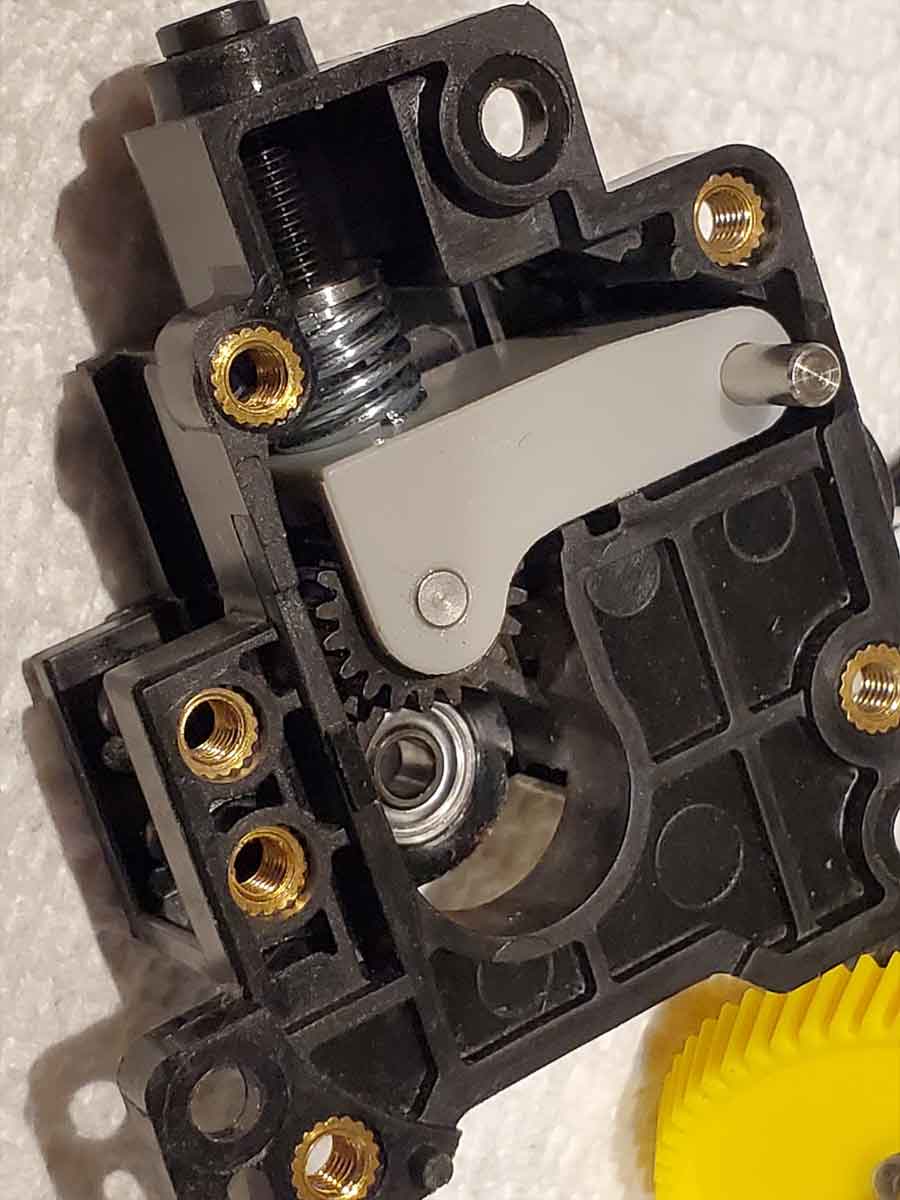
And finally, I thought I'd just add a pic of a clog I recently had to clear in the internal AMS hub on my Bambu X1C's AMS unit (pic below).  The process is described here, and the only things I'd add are that a toothbrush is great for cleaning the filament dust out, and that I took care not to disturb the orientation of the four small magnets near the pneumatic couplers.  
Picture
0 Comments

A "Biggly" Failure of Leadership

2/28/2025

0 Comments

 
Ukraine has been through 3 years of a war which it did not want, but though bloodied and bruised, it has managed to fend off a Russian bear attack which NATO had feared for decades.  They put a cork in Putin's territorial ambitions of rebuilding the former Soviet Union, and also showed the world the the strength of Ukraine's resolve not to fall behind Russia's shadow again.  That resistance has come at great cost though, and Putin's Russia seems only more emboldened by a US president willing to repeat the kremlin's own talking points. 

Today, something happened which will be seen as the breaking point of US leadership among developed nations, and it will have repercussions that will ripple through the next few decades.  There has never been such a display of the humble leadership forged in war, juxtaposed with the petty wickedness and greed of a wannabe king and his couch jester, broadcast live from the center of US power.  The message of ineptitude, perfidy and weakness that was sent, will be as clear to our allies as it is to our adversaries.


So what can anyone do about this?  First, I suggest calling your Senator or Representative in Congress, and let them know how you feel about what is going on.  Next you can look at the events over on www.fiftyfifty.one, and let your voice be heard (the next nationwide bipartisan protest is March 4th).  And finally, today (February 28th) you can send a message with your dollars, by joining a 1 day nationwide economic boycott.  That just means buying from local businesses only, and avoiding major retailers or large purchases in order to send an economic message that things are not OK.       
0 Comments

Et tu, Bambu?

1/19/2025

0 Comments

 
Update - Bambu has responded to the community, with a "developer" mode option for "LAN Only" mode users.  This is a good sign in my opinion, as there is a now a path forward (with updated fimrware) for users that require 3rd party tools, or are concerned with the privacy considerations around using Bambu Connect.  But it is not perfect, and there has been a bunch of feedback from the community on how to do it better (which I hope they will take to heart).  I'm also not sure if they still plan to remove an offline firmware update option (via the SD card), which would be a step backwards.  Below is the original post, which was uploaded prior to their announcement on this controversial issue.

Update 2 (1/22/2025) - The Verge has an article with a Q&A with Bambu's representative, which clears up some of the murkier points that people were concerned with.  It is worth a read.

As is often the case, when a product or service achieves a certain level of success, companies may let the mask slip a bit.  Some companies wear several masks, and we never really get to get a picture of what they may be capable of, while others wear their intentions on their sleeves, as boring and trustworthy as that may be.  Bambu Labs, which is widely admired for their technical innovations, was starting to earn some trust in the 3D printing community for their seemingly balanced approach to some touchy issues that have emerged, as hobby machines mature into consumer products.  Last Thursday though, they lifted their mask a bit and gave their customers and the 3D printing community a more candid look.  As is often the case, bad things can start off small, and the changes they announced seem that way to a good number of their customers, if the reaction on reddit is any signal.  On the surface, the changes are simply being done to address legitimate security concerns, and should simply be a footnote in the story of an innovative company.  And to be fair, many of their customers simply see it that way as well.  

For a bit of background, in the modern history of the 3D printing hobby, the user interaction with printers has been pretty simple, with three basic steps.  First, a user will either design or find a 3D model to print, and in the latter case there are many repositories of models to choose from (Thingiverse, Printables, Cults3d, MakerWorld, etc).  Next the model (usually a .STL, .STP or .OBJ file) needs to be prepared for the printer, and that requires the use of a "slicer".  The slicer does exactly what the name implies, it creates slices of the model, and commands which a 3D printer can use to create the model in the real world.  The slicers are generally open source, with the most popular being Cura, PrusaSlicer, OrcaSlicer or Bambu Studio.  Some of these slicers are open source forks of others on that list, and share a common heritage, but all the top slicers have their roots in open source.  The slicer generates a .3mf profile, and then a "GCODE" file, which in the final step, is sent over to the printer.  The printer parses the GCODE file, line by line, and uses it's instructions to build a print. layer by layer.  This is how Octopus_v6.stl goes from the computer screen, to collecting dust on a shelf (after several stops along the way, being passed between co-workers and friends). 

The TL;DR of it is: 
1. Design or find a 3D model to print (.stl, .stp, .obj files)
2. Prepare the file using a "slicer". (.3mf "profile is created), which then outputs "GCODE" that is sent to the printer.
3. The printer parses the GCODE line by line, and uses the instructions to print the object.

There is another, simpler workflow which removes step 2 from the user experience, and allows printing directly from an app.  Step 2 never really goes away though, and the slicing is simply performed in advance by other users of a platform like MakerWorld or Printables, and shared as a prepared .3mf profile set up for a specific model of printer.  There are several nuances to this workflow, and MakerWorld seems to be leaning into AI pretty heavily, so they will probably further refine it, but for now, this should do for a basic explanation of the process.  

Now, back to the controversy already in progress.  The change announced by Bambu, has placed an "authorization and authentication protection mechanism" between steps 2 and 3, that is, between the slicer and the printer.  Bambu's reasoning for doing this is security, and they claim that such a scheme is necessary in order to protect the printer from trojans and other threats.  They also point to DDoS attacks on their network which caused outages on MakerWorld.  Bambu claims that they are working with 3rd party software and hardware providers, whose products or software will be broken by the changes, though they make no commitments that full functionality of 3rd party tools will be restored (it sounds like that may never happen in some cases).  They offer two paths forward for users who rely on 3rd party tools, with the first being to avoid further firmware updates (bad), or install "Bambu Connect" to act as an authentication broker of sorts between their 3rd party tools and the printer (incomplete and also appears to be closed source).  It's unclear right now if they are making a long term commitment to maintaining Bambu Connect, or if it could be left to wither on the vine as they introduce new features (but I would not hold my breath).  

Adding to the mess, is a function of Bambu printers called "LAN Only" mode.  This is a mode of operation where a Bambu printer can be isolated from any Bambu cloud or network services.  "LAN Only" mode was added in response to the concerns from some users that their private data may be shared with Bambu.  "LAN Only" mode is useful for business, institutions and privacy focused users, who require their printers to be a tool, and are less concerned with the extra functionality of using Bambu's cloud services (like the Bambu Handy app).  With "LAN Only" mode, the printer could be walled off and would still function normally, with very few limitations (primarily the loss of remote monitoring and control via the Handy app).  

On the surface, the changes that Bambu announced have a reasonable explanation, and they claim they are not locking the gate for 3rd party tools, so why the kerfuffle?  To start, the changes they announced place Bambu as a gatekeeper between the slicer and the printer, which is a new (and untrusted) concept in the open world of the 3D printing hobby.  Concerningly, this also applies to "LAN Only" mode, which belies some of their rationale for the changes.  Many users are concerned that this is the first step down the "slippery slope" of possible vendor lock for consumables, or the expulsion of 3rd party tools from the Bambu ecosystem (including the popular OrcaSlicer).  This is a reasonable fear, as Bambu printers have the required sensors which could enable vendor lock for filament refills.  Others worry that giving Bambu a veto between their slicer and the printer, could allow Bambu to parse their proprietary 3D models or even restrict what they print.  An account will also be required in the new scheme, unless printing using the SD card (which would be initiated from the printer menu itself).  In fact the only true (yet partial) work around, if using the new firmware, would be direct printing from the SD card, which is largely considered to be an unacceptable workflow for a modern 3D printer.

Upsetting things further is that the change has been poorly telegraphed, since, till now, Bambu had been adding functions such as offline SD card firmware updates (which will only be possible via the cloud going forward).  They also have a reasonable policy for handling X1Plus, which is an alternate firmware available for the X1 series.  They could have shut X1Plus down in it's tracks, but instead offered a way for interested users to give up their warranty and support, but still use X1Plus if they wished.  Another example is the "LAN Mode" previously discussed, which was implemented when users expressed concern for their proprietary models or data being potentially shared with Bambu (due to the encrypted communications between the printer and Bambu's cloud, nobody really knew what was shared).  Seems likely to me that "LAN Mode" was more about convincing businesses and institutions to buy Bambu printers, as they could be made to act as a "normal" printer without the cloud based baggage, but I was happy to see it introduced regardless of why.  So, with the latest announcement, users were caught a bit off guard, and some feel betrayed after buying expensive printers with the expectation that they could continue to use them as they had before.

In my opinion, there is truth to both sides of this.  But since Bambu did not provide a carve out for "LAN Only" mode in their new "authorization and authentication protection mechanism", I'm leaning towards the more worrying reasons for the change.  A printer that is currently in "LAN Only" mode (prior to the firmware update), can work perfectly well, even if the printer and workstation running the slicer are on a boat in the middle of the ocean, or on a spaceship without any Internet connection.  The new scheme however, will require an internet connection to authorize some commands between the slicer and printer.  I feel they are effectively removing "LAN Only" mode as an option.  That may not seem like a big deal, but for many, that was a key reason for buying a Bambu printer, or even a requirement if they need to work on sensitive or proprietary designs.         
  
If Bambu does not back track a bit, at least on "LAN Only" mode, there is little reason for me to think that the change does not represent the first step to closing the gate of their garden.  They will have effectively placed their veto between users and their printers, which opens up a number of user unfriendly possibilities.  The idea of not being able to update firmware going forward is not a serious work around.  And rolling back to a firmware that does not require their authorization scheme will not be possible on any future models (which is clearly stated in their announcement).  I've  been looking forward to their next flagship printer (due sometime early this year), but the new direction Bambu is signaling is not a good one in my opinion.  It seems to me that they've altered the terms of deal for the part of their customer base who rely on a true (isolated from the Internet) "LAN Only" mode.  The hope for existing owners of Bambu printers, who disagree with the new direction, lies in either a partial reversal of changes (at least for "LAN Only" users), or with the community, and projects like X1Plus, or other work-arounds that may allow people to take back their printers.
(See the update from Bambu at the top of this post).
0 Comments
<<Previous
Forward>>
    Picture

    Stoopid Me

    Welcome to my Stoopid corner of teh Internet.  It's mostly gonna be 3D printing stuff, but I also post some recipes, projects, and the occasional rant here as well.  More Stoopid stuff is updated regularly.

    I recently joined the Amazon Associate program, so some of the links on this site are Amazon affiliate links. This means that, at zero cost to you, I will earn an affiliate commission if you click through the link and finalize a purchase.  This will help to support this site, and pay for more Stoopid Stuff.

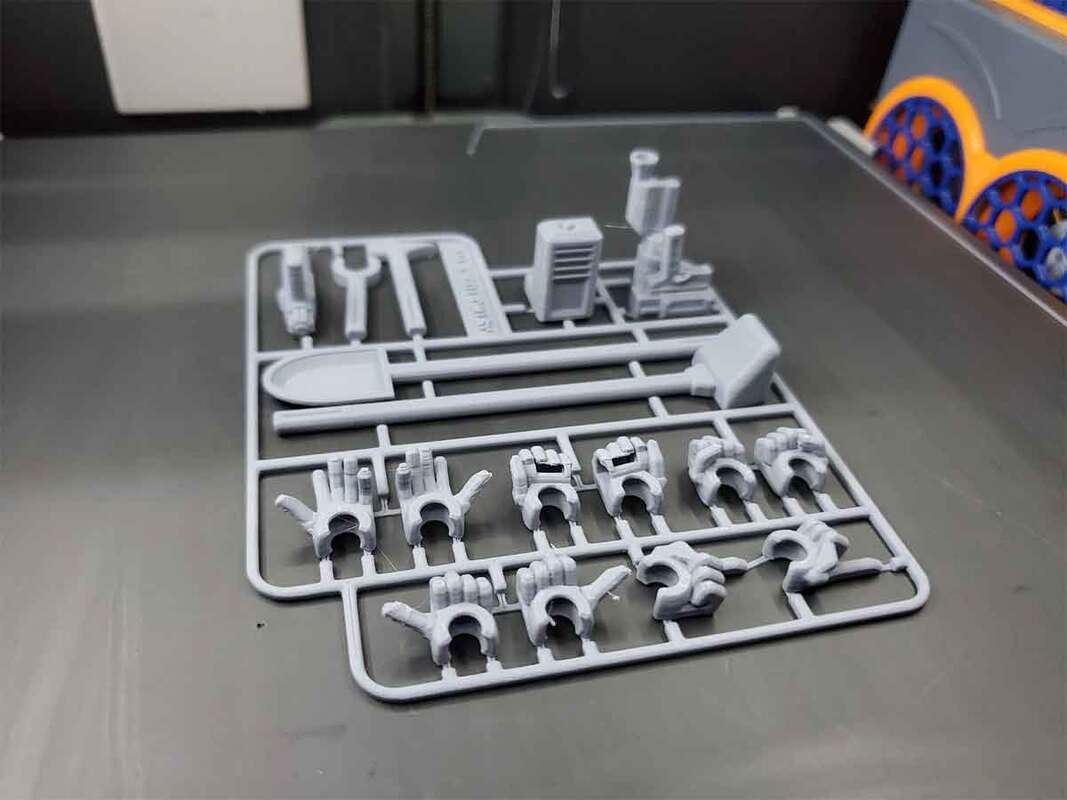
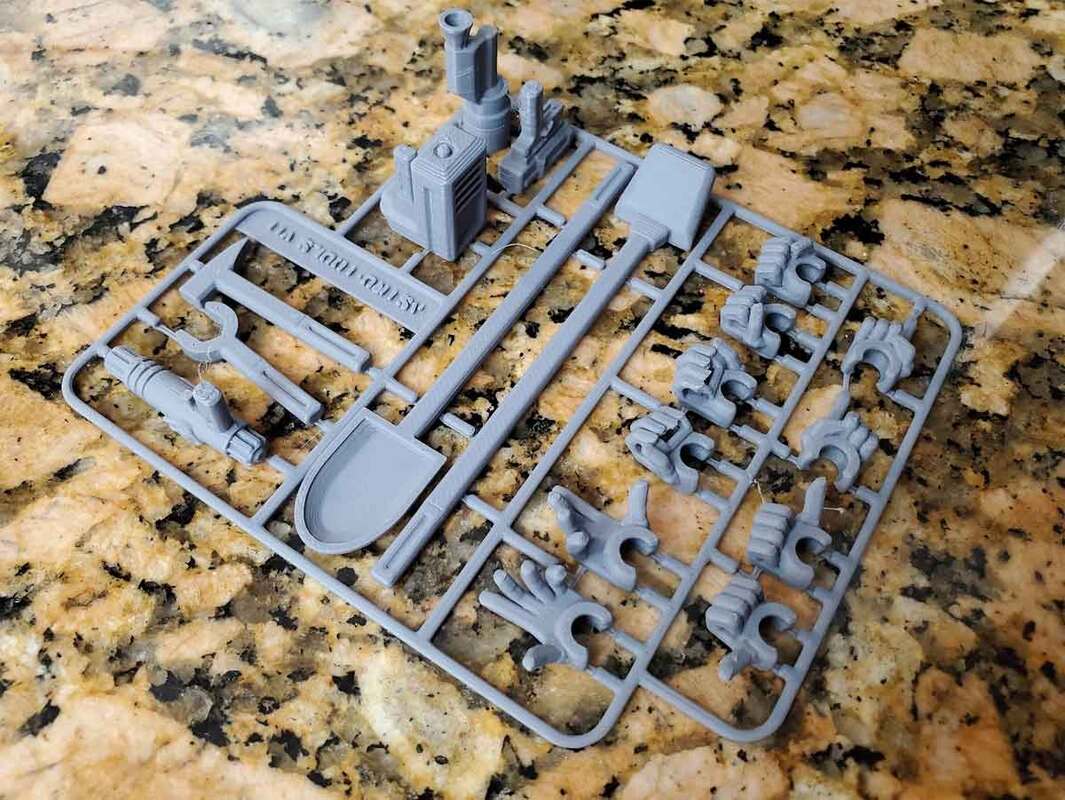
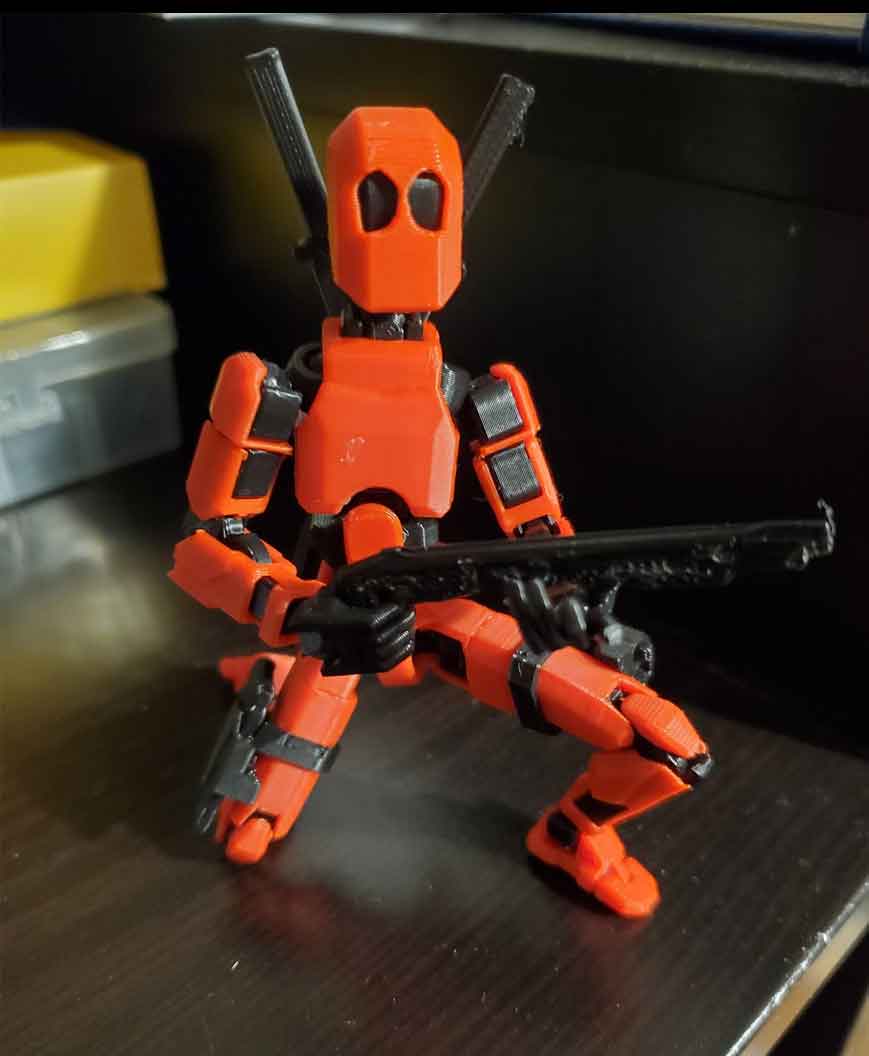
    Currently, there are no active authorized sellers of my designs.  If you see my stuff (such as my Dummy 13 Weapons) for sale on Amazon, Etsy or AliExpress, the seller is using my designs without permission.
    If you want to help out with my parts and filament budget, you can also "Buy Me A Coffee" using the link below.
    ​​

    Buy Me A Coffee

    Archives

    August 2025
    July 2025
    June 2025
    May 2025
    April 2025
    March 2025
    February 2025
    January 2025
    December 2024
    November 2024
    October 2024
    September 2024
    August 2024
    July 2024
    June 2024
    May 2024
    April 2024
    March 2024
    February 2024
    January 2024
    December 2023
    November 2023
    October 2023
    September 2023
    August 2023
    July 2023
    June 2023
    May 2023
    April 2023
    March 2023
    February 2023
    January 2023
    November 2022
    October 2022
    September 2022
    August 2022
    July 2022
    April 2022
    February 2022
    January 2022
    December 2021
    November 2021
    October 2021
    September 2021
    August 2021
    July 2021
    June 2021
    May 2021
    April 2021
    March 2021
    February 2021
    January 2021
    December 2020
    November 2020
    October 2020
    September 2020
    August 2020
    July 2020
    June 2020
    May 2020
    April 2020
    March 2020
    February 2020
    January 2020
    December 2019
    November 2019
    October 2019
    September 2019
    August 2019
    July 2019
    June 2019
    May 2019
    April 2019
    March 2019
    February 2019
    January 2019
    December 2018
    November 2018
    October 2018
    September 2018
    August 2018
    July 2018
    June 2018
    May 2018
    April 2018
    March 2018
    February 2018
    November 2017
    September 2017
    August 2017
    June 2017
    December 2016
    October 2016
    September 2016
    July 2016
    March 2016
    February 2016
    September 2015
    August 2015
    June 2015
    May 2015
    April 2015
    March 2015
    February 2015
    January 2015
    December 2014
    November 2014
    October 2014
    September 2014
    July 2014
    June 2014
    May 2014
    April 2014
    March 2014
    February 2014
    November 2013
    August 2013
    July 2013
    June 2013
    May 2013
    April 2013
    March 2013
    January 2013
    December 2012
    November 2012
    October 2012
    September 2012
    August 2012

    Categories

    All

    RSS Feed

Powered by Create your own unique website with customizable templates.